
Variables
# Variables
——This article helps you understand what Variables do, and how to use the variable list, create a variable, and inject variables into a conversation.
Entry: Resource › Variables.
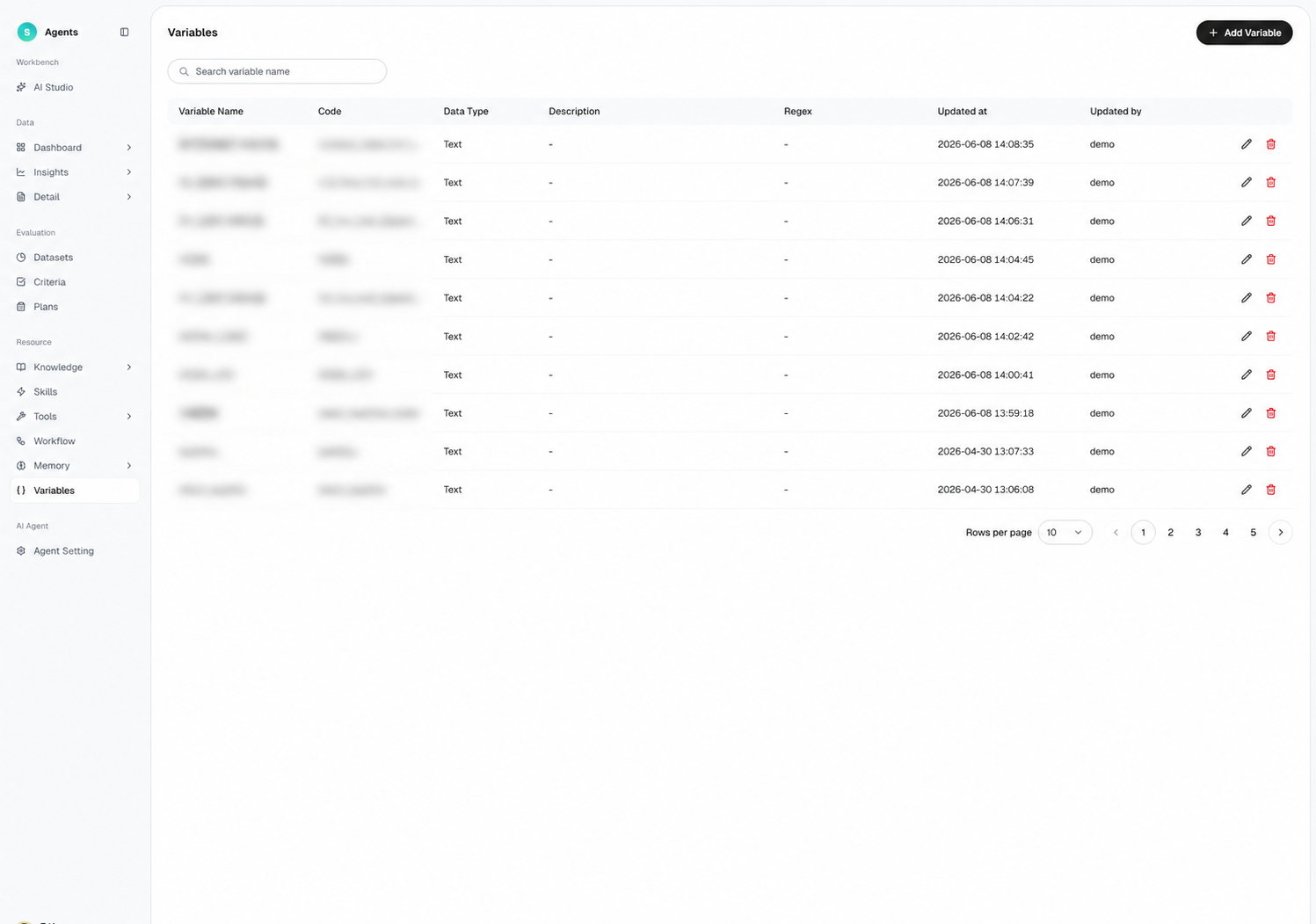
Figure 1: Variables
# Variables Overview
- Use case: You want to pass enterprise information such as the customer's city, customer type, and VIP status to the bot so answers fit the context better.
- Purpose: Pass enterprise information into or out of a conversation for the bot to use when generating answers.
# How to Use Variables
# • Variable List
The list shows all variables, with columns including variable name, code, data type, purpose description, regular expression, update time, updated by, and operations. It supports searching, creating, editing, and deleting.
# • Create a Variable
- Click "Add Variable" and fill in the variable name, code, data type, and purpose description.
- If you need to validate the value, set a regular expression.
- Once saved, it can be used in conversations.
# • How to Inject in a Conversation
When starting a conversation, you can pass in variable values through the API. The bot injects the variables into the conversation context in the agreed format and uses them to generate more accurate answers.
# The Difference Between Variables and Memory
- Duration: Variables provide real-time information for a single conversation, while Memory stores long-term information across conversations.
- Source: Variables are supplied by an organization's system through an API, while Memory is recorded automatically by the bot during conversations.
Last Updated: 8/7/2026, 5:00:36 PM