
Knowledge bases
# Knowledge bases
——This article explains the Knowledge bases and how to create knowledge bases, add knowledge in five ways, manage knowledge lists, and review file parsing.
Entry: Resource › Knowledge › Knowledge bases.
# Knowledge bases Overview
Before using the Knowledge bases, familiarize yourself with its use case and purpose:
- Use case: Centrally manage the knowledge that bots use to generate answers.
- Purpose: Create multiple knowledge bases to organize content by category, add knowledge in various ways, and make it available for bot retrieval.
# How to Use the Knowledge bases
# • Page Structure
The knowledge base list appears on the left. In addition to All Knowledge, you can create multiple knowledge bases for different business areas. The selected knowledge base's content appears on the right, with Export and Add Knowledge in the upper-right corner.
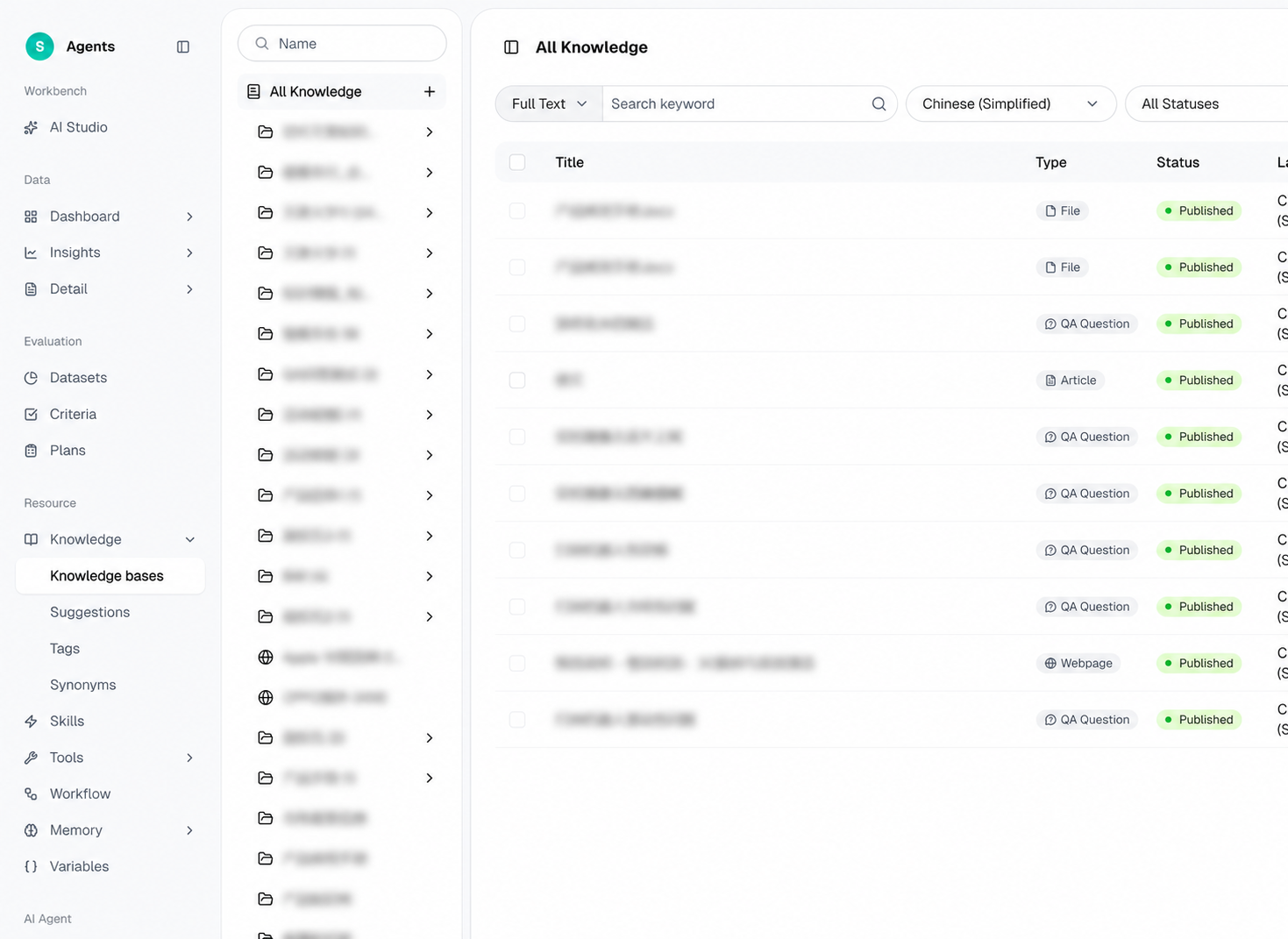
Figure 1: Knowledge base list and the knowledge content area on the right
# • Create a knowledge base
Click + next to All Knowledge to create a knowledge base. Two types are supported:
- Local knowledge: Knowledge entered or uploaded into this system.
- Web knowledge: External web content crawled via URL.
# • Add Knowledge in Five Ways
Click Add Knowledge in the upper-right corner and select a knowledge type:
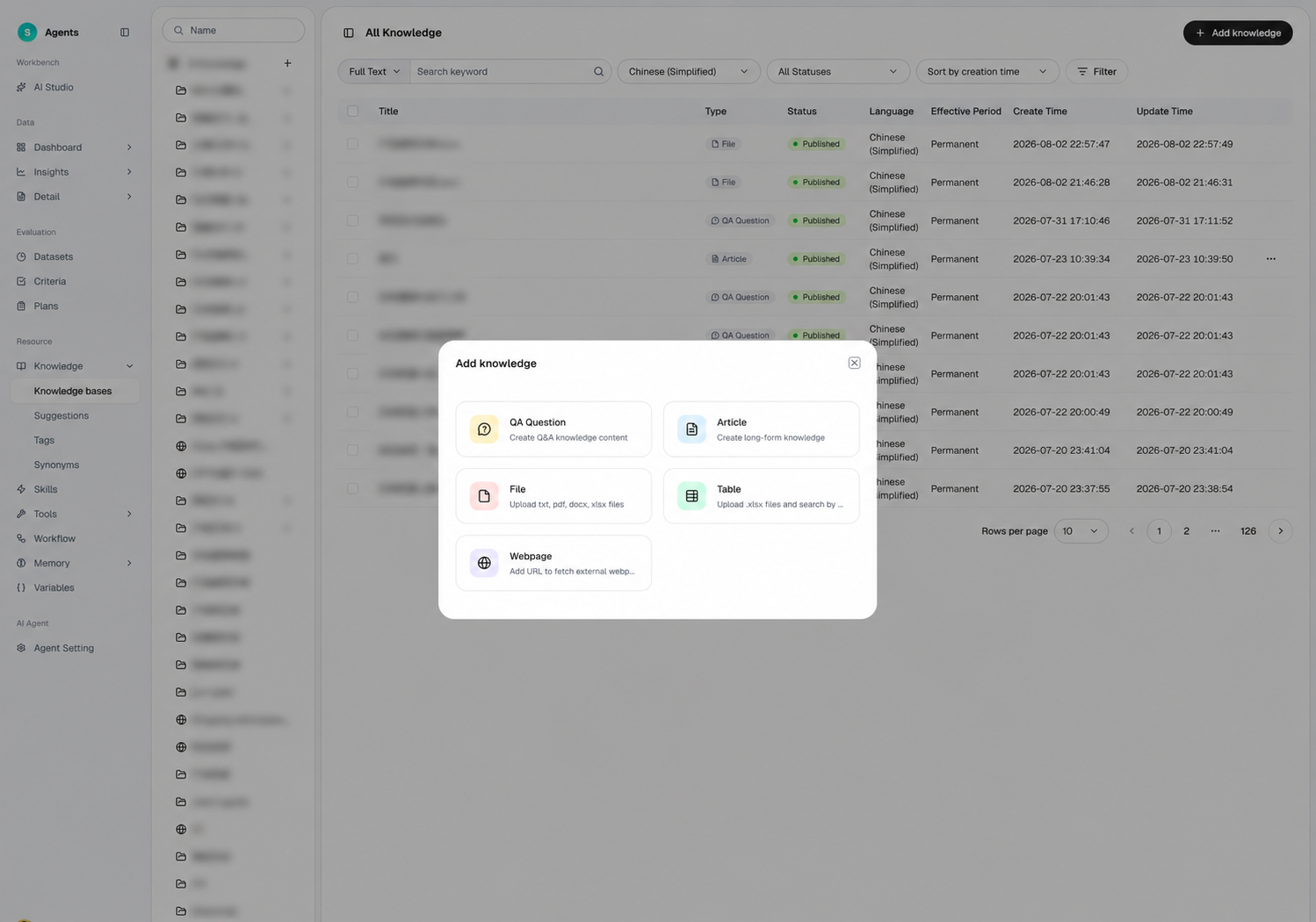
Figure 2: Add Knowledge — choose a knowledge type
- Q&A: Create question-and-answer knowledge.
- Article: Create long-form knowledge.
- File: Upload TXT, PDF, DOCX, or XLSX files.
- Web Page: Add a URL to retrieve knowledge from an external web page.
- Table: Upload an XLSX file and retrieve content using its column headings.
For Q&A knowledge, select Add Manually to enter items individually or Batch Import to upload multiple items using a template.
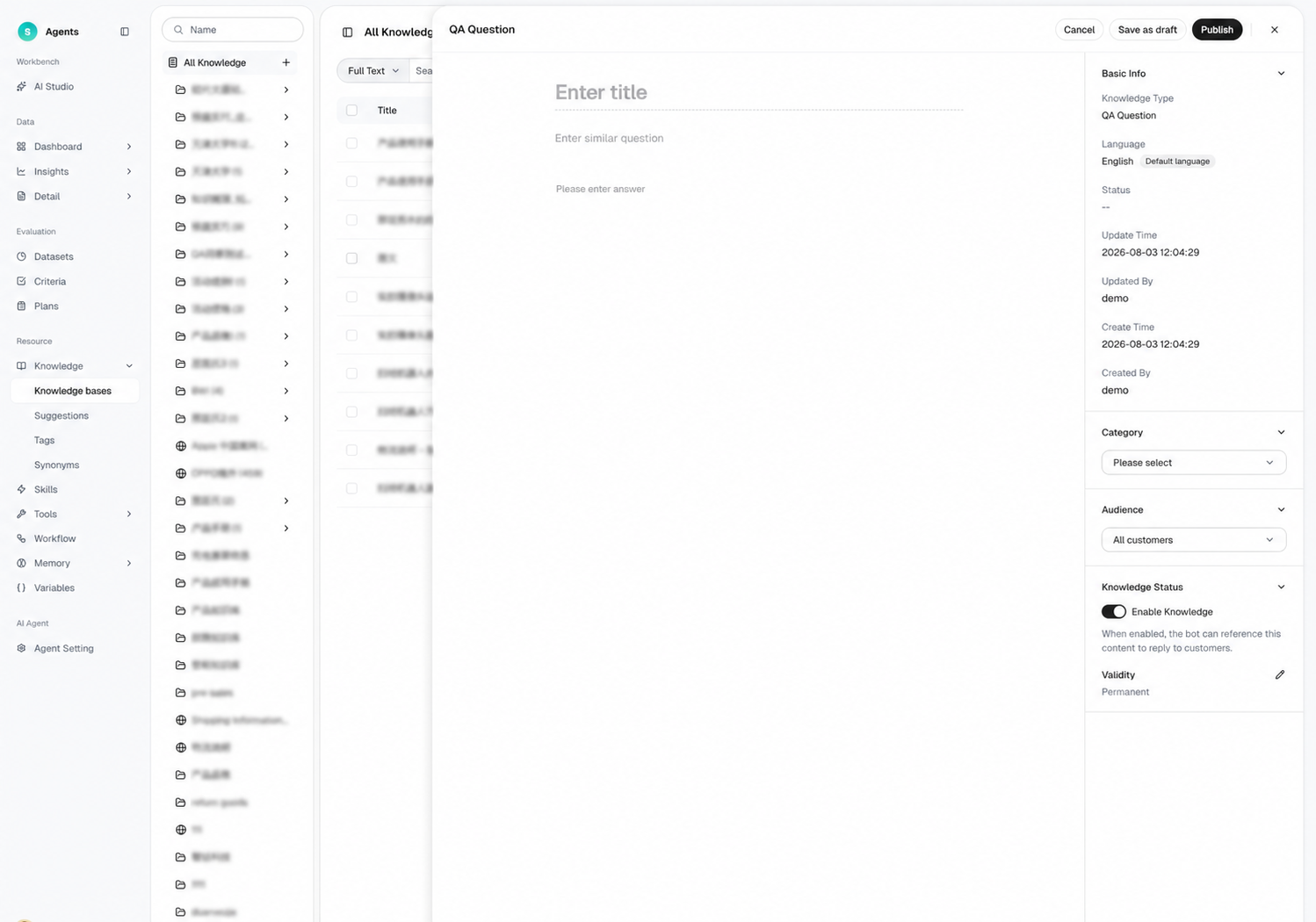
Figure 3: QA — Add Manually / Bulk Import
# • Knowledge List and Filters
The knowledge base detail page provides a persistent filter toolbar and an expandable filter panel. Knowledge items are shown as cards and can be filtered by tag, status, and more.
# • File Management and Parsing
After a file is uploaded, the system parses it into searchable knowledge chunks. The file management area lets you check the parsing status of each file.