
MCP Servers
# MCP Servers
——This article helps you understand what MCP does, and how to add, create, manage tools, debug, and choose between MCP and Actions.
Entry: Resource › Tools › MCP.
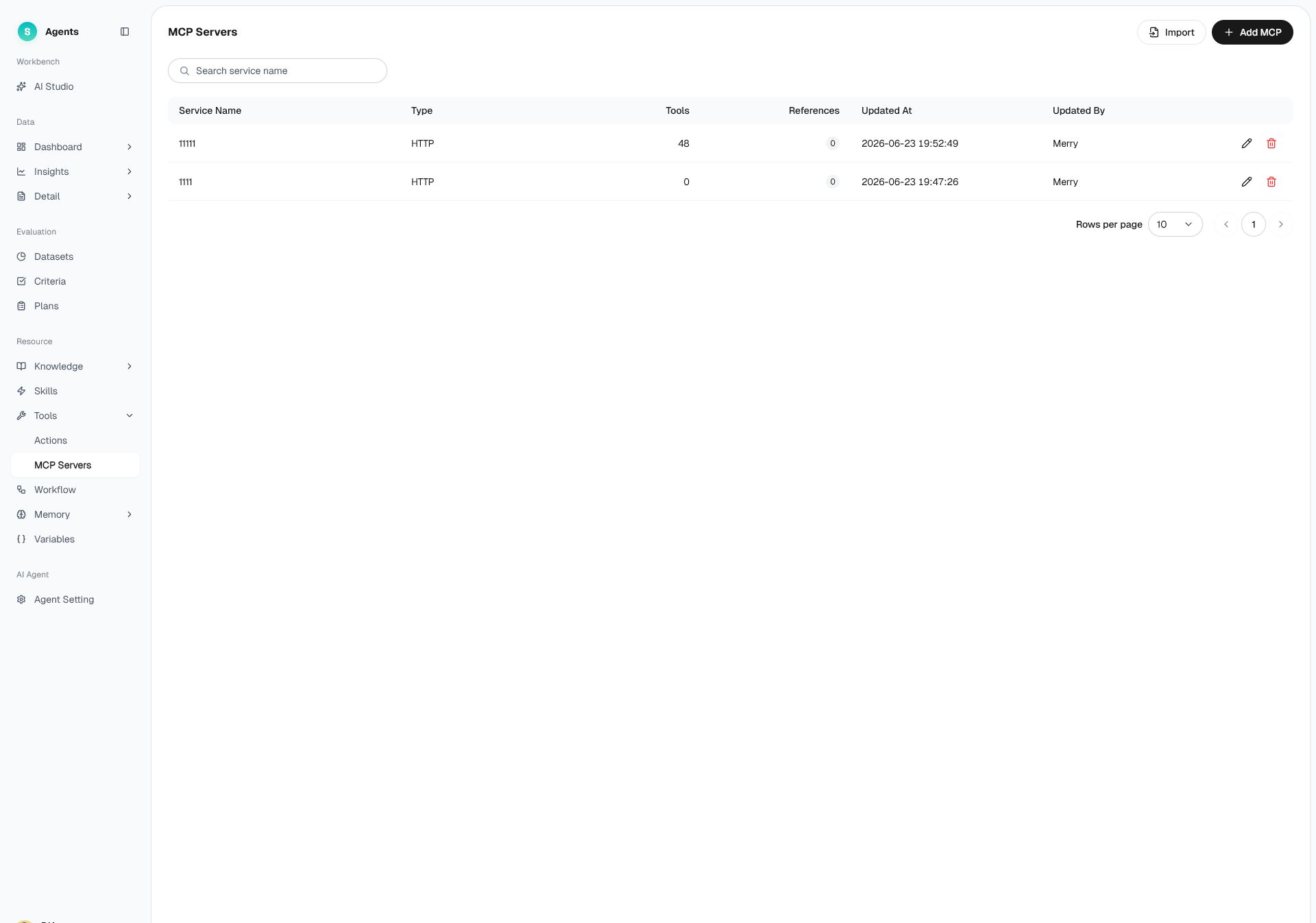
Figure 1: MCP
# MCP Overview
- Use case: The bot needs to connect to an entire external business system to fetch data and perform operations, such as an order service or a logistics service.
- Purpose: Connect external tools and services through MCP so the bot can fetch data and perform business operations.
# How to Use MCP
# • Add an MCP Service
In the empty state, two options are provided:
- Add MCP: Manually fill in the MCP service details to connect.
- AI-Generate MCP: Use AI to help generate the MCP configuration.
# • Create an MCP Service
- Click "Add MCP" and fill in connection details such as the service name and address.
- The system runs a connectivity check and categorizes any errors in its prompts.
- Save once the check passes.
# • Service Details and Tool Management
Open the MCP service details to view and manage the list of tools under that service and enable the ones you need.
# • Debugging
MCP tools can be debugged: enter parameters to make a trial call, and bind the tool to the bot only after confirming the response is correct.
# • Import
You can import an existing MCP service configuration for quick connection.
# MCP or Actions
Tools are available as MCP services or Actions. Choose the option that matches your organization's existing integration method:
- Your organization already provides an MCP service → Use MCP to connect directly to the tools offered by that service.
- Your organization provides API endpoints → Use Actions to integrate the endpoints individually. See Actions.
Last Updated: 8/7/2026, 4:55:58 PM