
Appearance
Product Updates: August 4, 2026
Overview
This new product launch upgrades the former "LLM Bot" into a new-generation customer service Agent product organized around the Agent as the operational unit: build, evaluate, tune, and observe complete a closed loop on one platform, with knowledge, Skills, tools and other resources reusable across Agents.
The product consists of five modules — AI Studio, Data Center, Evaluation Center, Agent Management, and the Library. The highlight is AI Studio: direct the system in one sentence to build, evaluate, tune, and analyze data; customers simply report problems while creation and tuning are handled by the bot.
Sobot is committed to empowering global enterprises with intelligent products, activating new service efficiency, and leading the new future of customer interaction.
Note: =Additions
 =Optimization
=Additions =OptimizationI. AI Studio
AI Studio is the conversational operation entry for the whole product — issue tasks in natural language and the system builds, diagnoses, evaluates, and queries data for your Agents. Build, evaluate, tune, and data analysis all happen in one conversation:
Build: upload a document or describe your need in one sentence; the system decides whether to generate knowledge, a Skill, or a Tool and sets up the phrasing — confirm to write it in. You can also keep adding capabilities to a live Agent.
Evaluate: launch an evaluation right in the conversation; failed items can be sent to tuning with one click, forming a "test–tune" loop.
Tune: automatically locate poorly-answered conversations, break down which step went wrong, and show a "before vs after" comparison once fixed.
Data Analysis (natural-language query): check metrics, interpret changes, generate reports, and spot anomalies in plain language, across all modules.
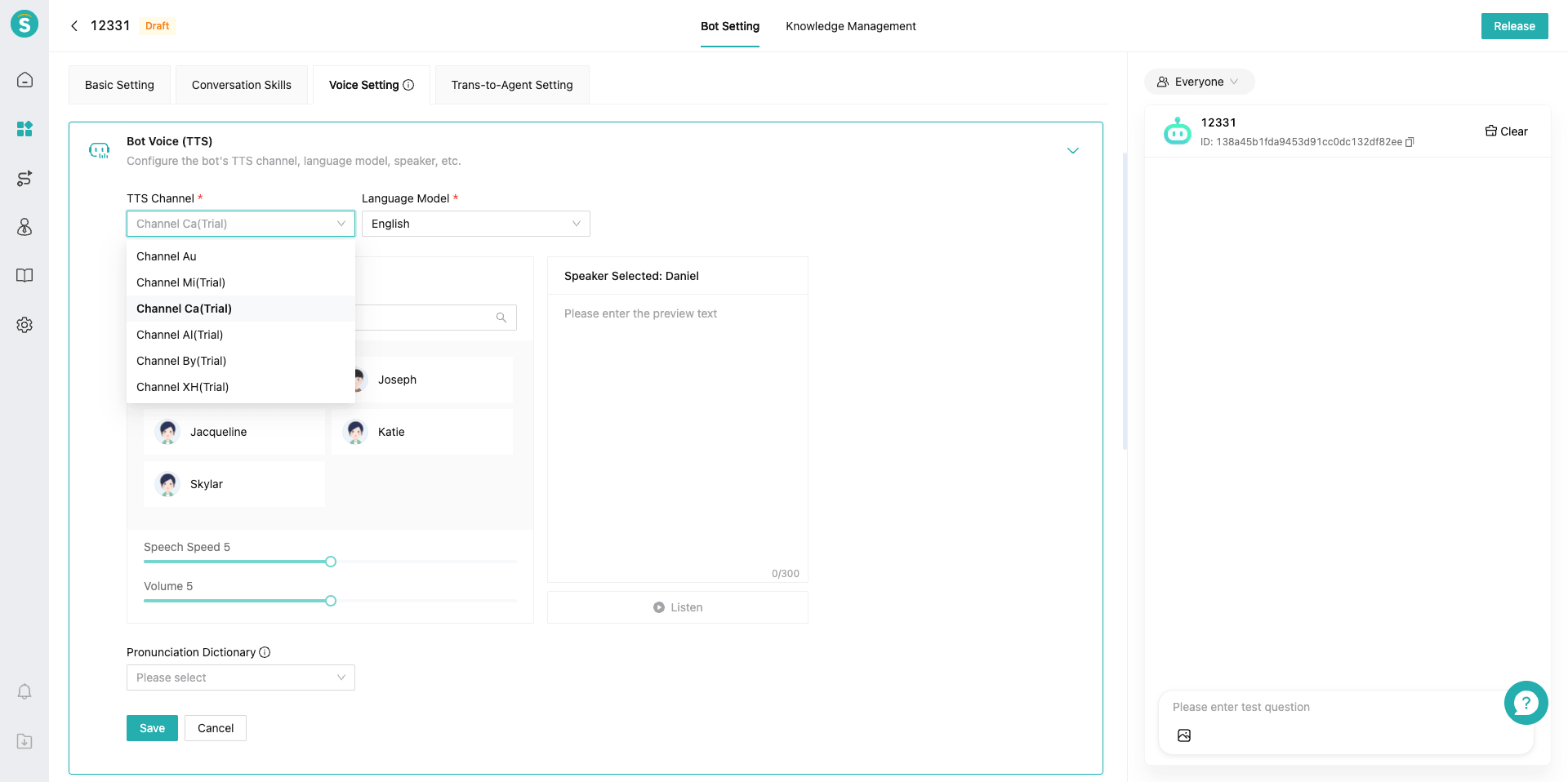
▲ AI Studio · conversational operation entry
Note: AI Studio is whitelist-access, available only to enabled enterprises; Build and Tune currently support autonomous-decision bots only — knowledge-augmented bots and task flows are not yet supported.
II. Data Center
Get a full view of Agent performance — how well it answers, what customers ask, and which conversations went wrong; jump to AI Studio to tune with one click.
Bot Conversation Dashboard: migrated from the old dashboard
Migrated from the old "LLM Bot › Data Dashboard (conversation data)"; metric names and definitions are unchanged.
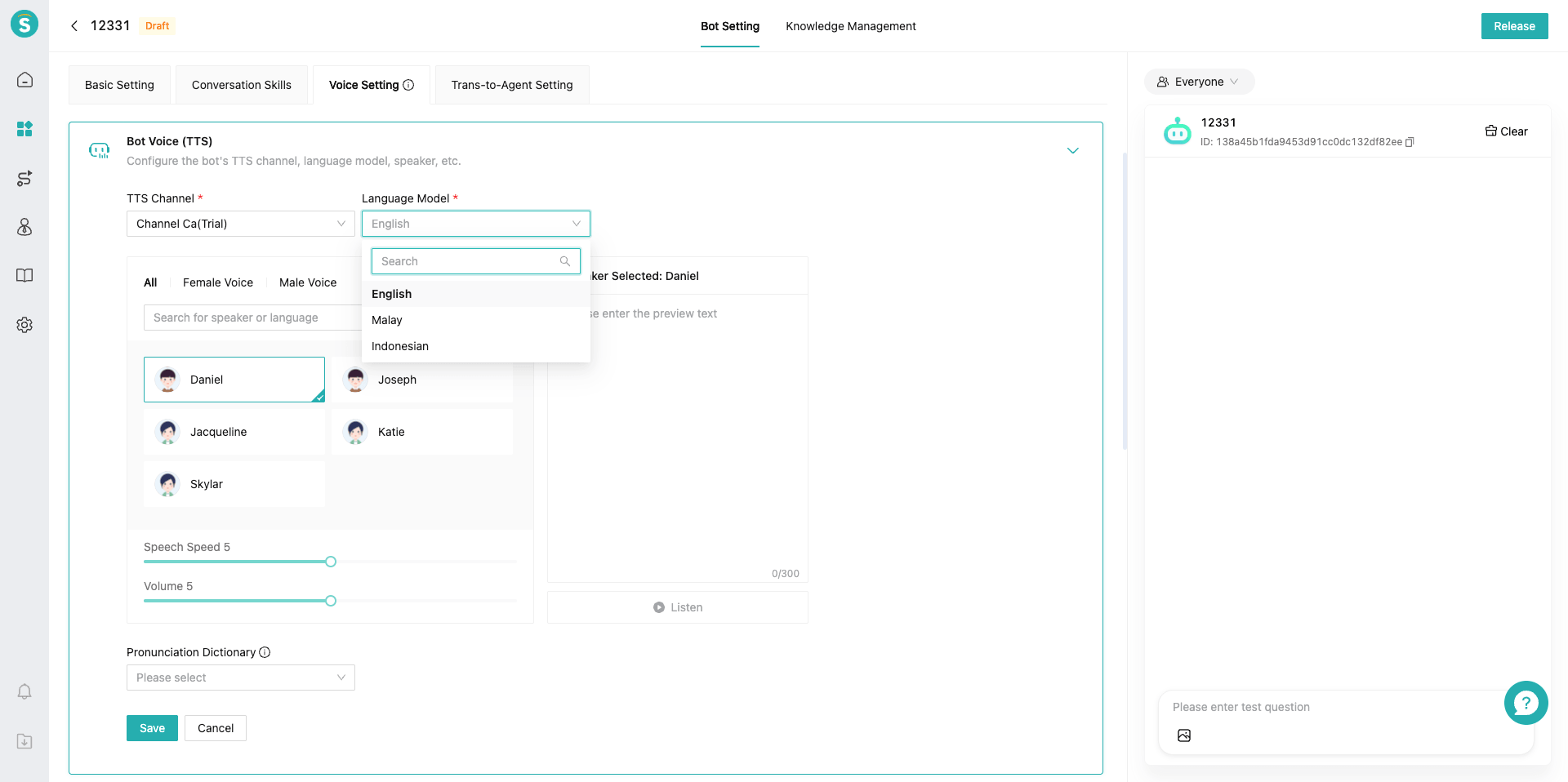
▲ Data Center · Bot Conversation Dashboard
Agent Assist Conversation Dashboard: metric renames & redefinition
Migrated from "Statistics › AI Agent Assist › Assist Data".
Metric changes:
| Old metric | New metric |
|---|---|
| Intelligent Answer | Assisted chats |
| Assistant Agent | Copilot active agents |
| Assistant Questions | Copilot questions received |
| Answer used | Answer adoptions |
| Answer usage% | Answer adoption rate |
| — (new) | Questions per agent |
| — (new) | Answer messages |
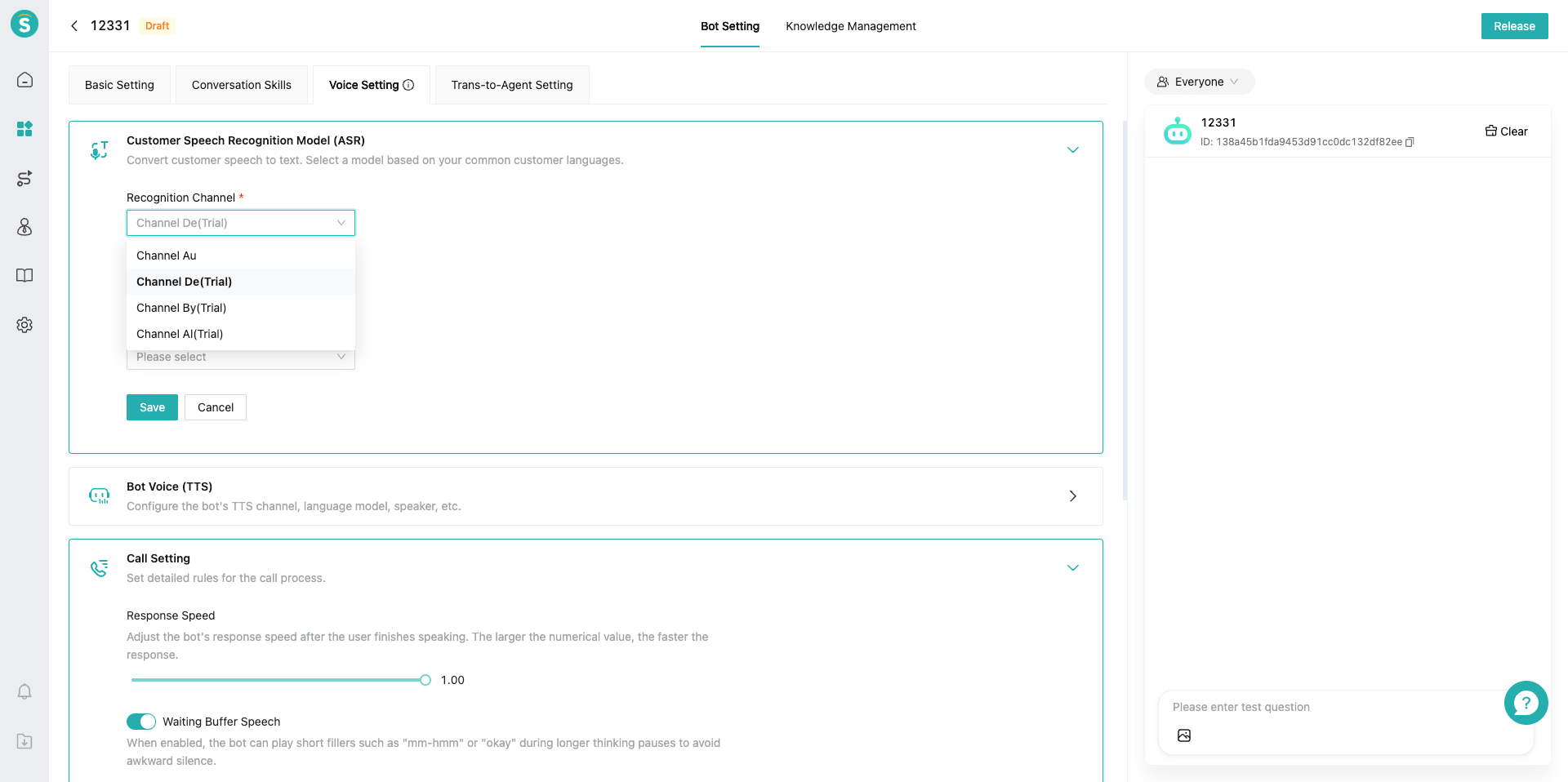
▲ Data Center · Agent Assist Conversation Dashboard
Answer Data: metric renames & scope expansion
Migrated from "Statistics › Answer Data".
Metric changes:
| Old metric | New metric |
|---|---|
| Knowledge Answers | Resource-based answers |
| Intelligent Answer | Non-resource answers |
| Direct Answer | Direct answers |
| Answer from Questions / Articles / Files / Webpage | Knowledge calls |
| Task Workflow Answer | Workflow calls |
| Action Execution | Tool calls |
| — (new) | Skill calls |
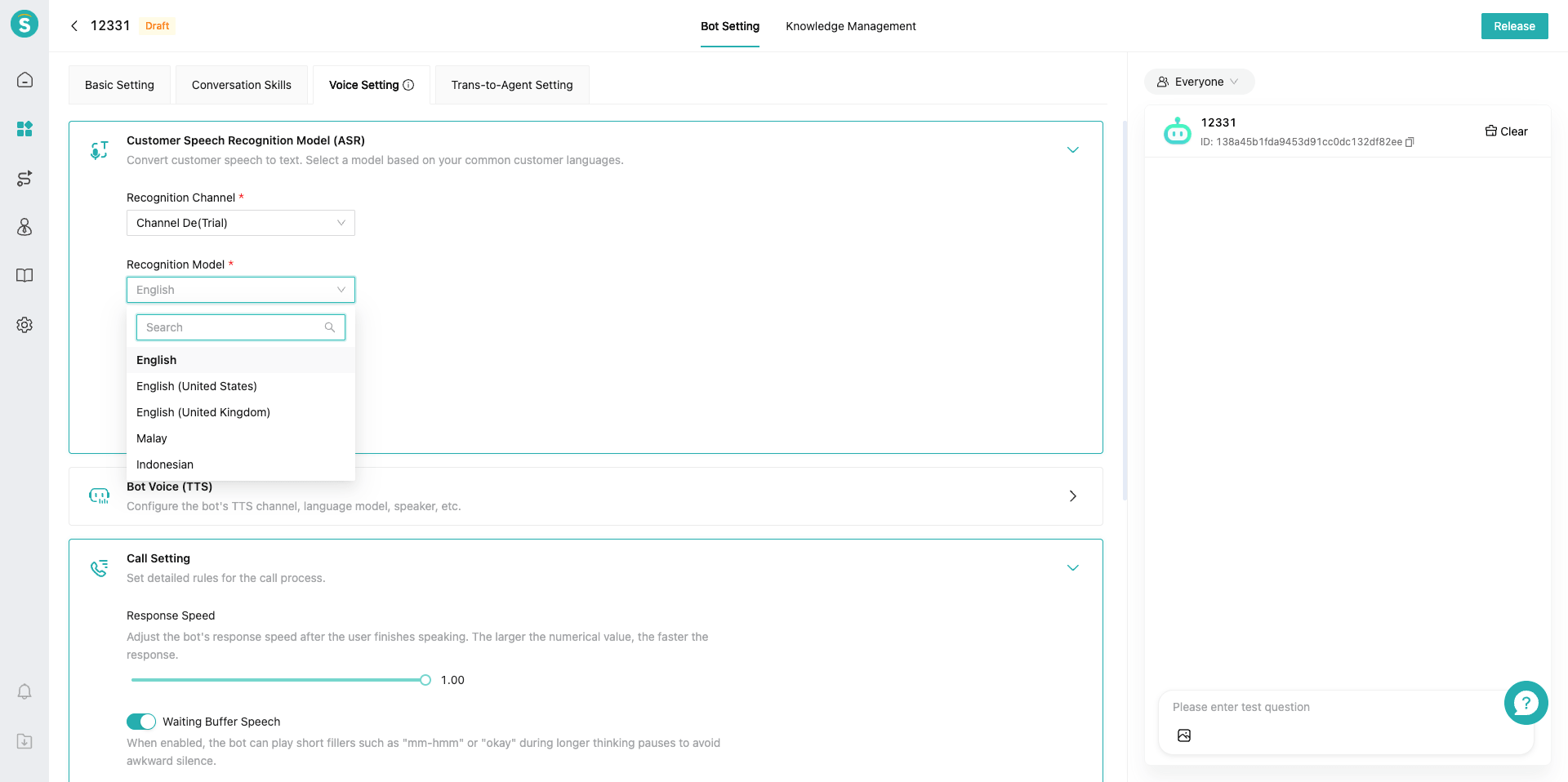
▲ Data Center · Answer Data
Customer Questions: former Customer Question Learning, migrated & renamed
The former "Customer Question Learning" moved into the Data Center and renamed "Customer Questions"; mainly used to identify what kinds of questions customers ask and how core metrics such as independent reception rate perform. Function and definitions unchanged.
▲ Data Center · Customer Problem Clustering
Conversation Records
The former "Reception Records" renamed "Conversation Records"; for autonomous-decision bots, when a Skill / Tool is called, the matching chain now shows it as well.
▲ Data Center · Session Record
III. Evaluation Center
Replaces the old "Batch Test". Gives the bot a test paper, a scoring rubric, a batch exam, and a report card — forming a "prepare questions → set criteria → run evaluation → view report → tune" loop.
Evaluation Dataset: single / multi-turn question bank
Manage the question bank for evaluation. Datasets support two types: single-turn and multi-turn.
Single-turn dataset
a. Contains a question and an answer.
b. Supports manual entry, batch import, and AI generation.
Multi-turn dataset
a. Contains a scenario and a persona. The scenario is the Q&A information and the user's core demand; the persona is the customer's characteristics.
b. Supports manual entry, batch import, and AI generation.
▲ Evaluation Center · Evaluation Dataset
Evaluation Criteria: a unified scoring ruler
Evaluation criteria are the standards for assessing a bot's Q&A performance.
Each criteria set can add up to 5 evaluation dimensions, e.g. answer accuracy, reply style; enterprises can customize as needed.
▲ Evaluation Center · Evaluation Criteria
Evaluation Plan: one-click exam and report
An evaluation plan is mainly used to assess an Agent's Q&A performance.
Creating a plan requires selecting: Agent + dataset + criteria; run in one click to evaluate the bot's Q&A.
Single-turn evaluation
a. For single-turn, each question in the dataset is asked to the Agent;
b. After the Agent answers, the answer is compared with the dataset's answer to assess quality.
Multi-turn evaluation
a. For multi-turn, an LLM uses the scenario and persona to simulate a user asking the Agent, and the Agent replies.
b. Note: a conversation asks at most 10 times; if transfer-to-human is triggered, the conversation stops.
Note: Historical batch-test data is not migrated automatically; export it before 730 if you need to keep it.
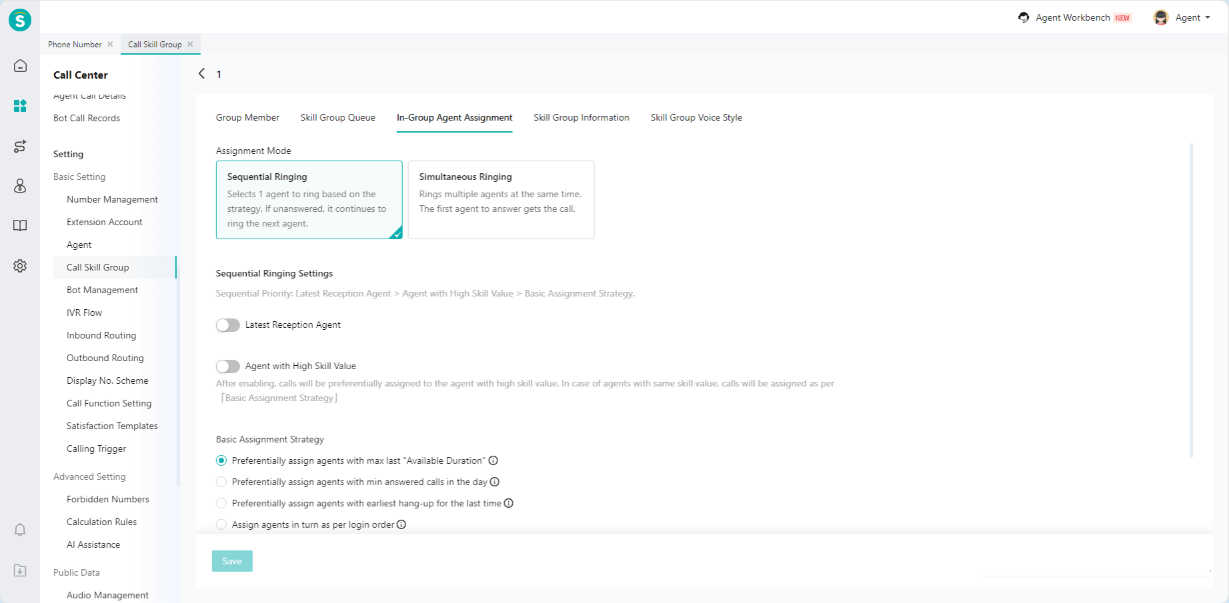
▲ Evaluation Center · Evaluation Plan
IV. Agent Setting
Centralize all of a bot's configuration in one entry; reception bots come in three modes: autonomous decision / knowledge-augmented / third-party bot.
Autonomous Decision Bot
Autonomous-decision bots support MCP, Skills, memory, and more.
The language-range restriction on bots is removed.
Note: The former three sections (business intro / workflow / answer style) are merged into a single prompt.
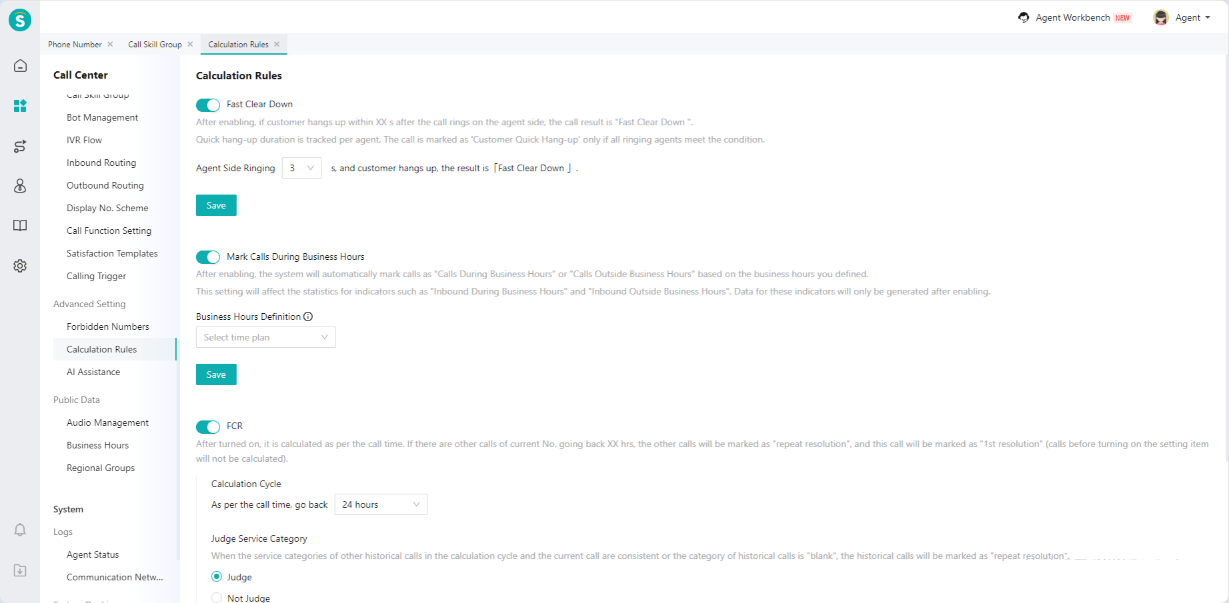
▲ Agent Management · Q&A Capability
V. Resource
New module. Manage knowledge, Skills, task flows, Tools, memory, and variables as independent resource libraries, referenced by Agents on demand and reusable across Agents — maintain once, share across bots.
Knowledge Base: promoted to a top-level menu
The former "Knowledge Center › Knowledge Base" becomes a top-level menu in the Library; supports local upload and web crawling, auto-chunking and classification, tagging and version management, plus AI auto-tagging and generating knowledge from past conversations.
Note: Classification depth reduced from 8 levels to 4.
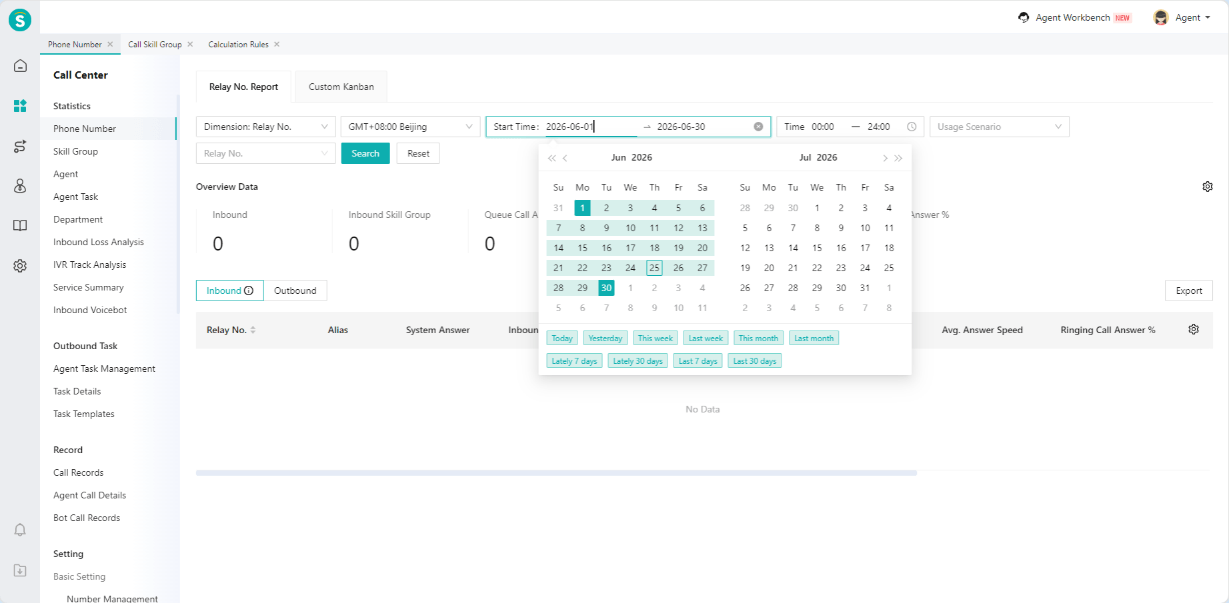
▲ Resource Center · Knowledge Base
Skills: reusable skills
Distill a piece of business-handling experience into a reusable skill that the Agent calls automatically in the right scenario.
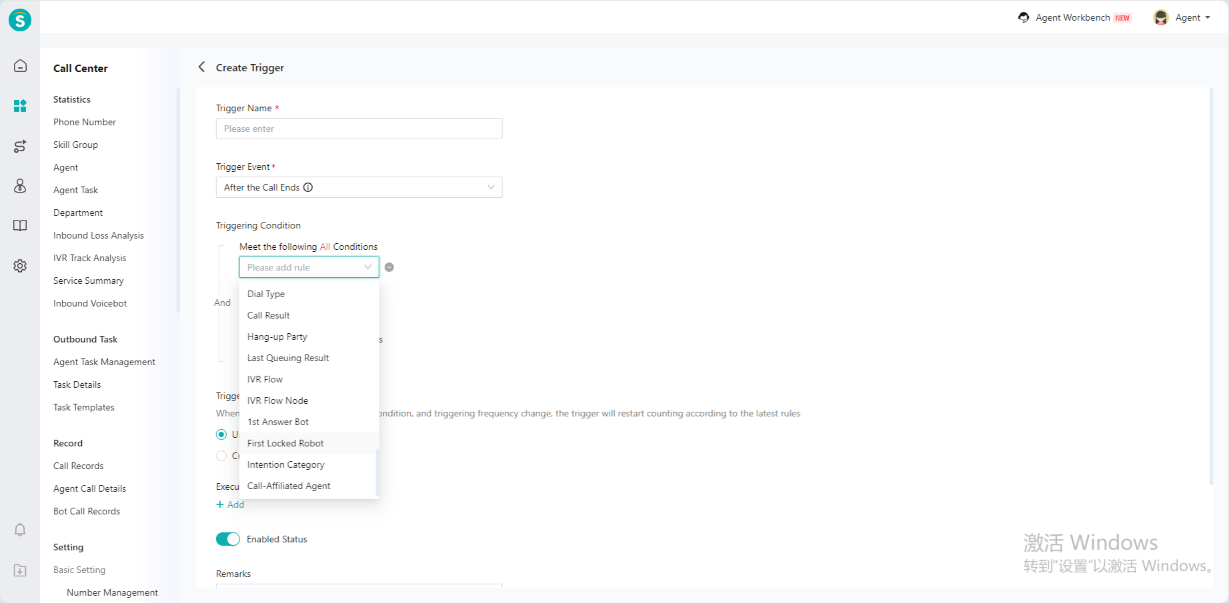
▲ Resource Center · Skills
Flows: fixed-step guidance
String multi-step business handling into a fixed flow; the Agent guides the customer through the preset steps one by one, e.g. refunds or card activation.
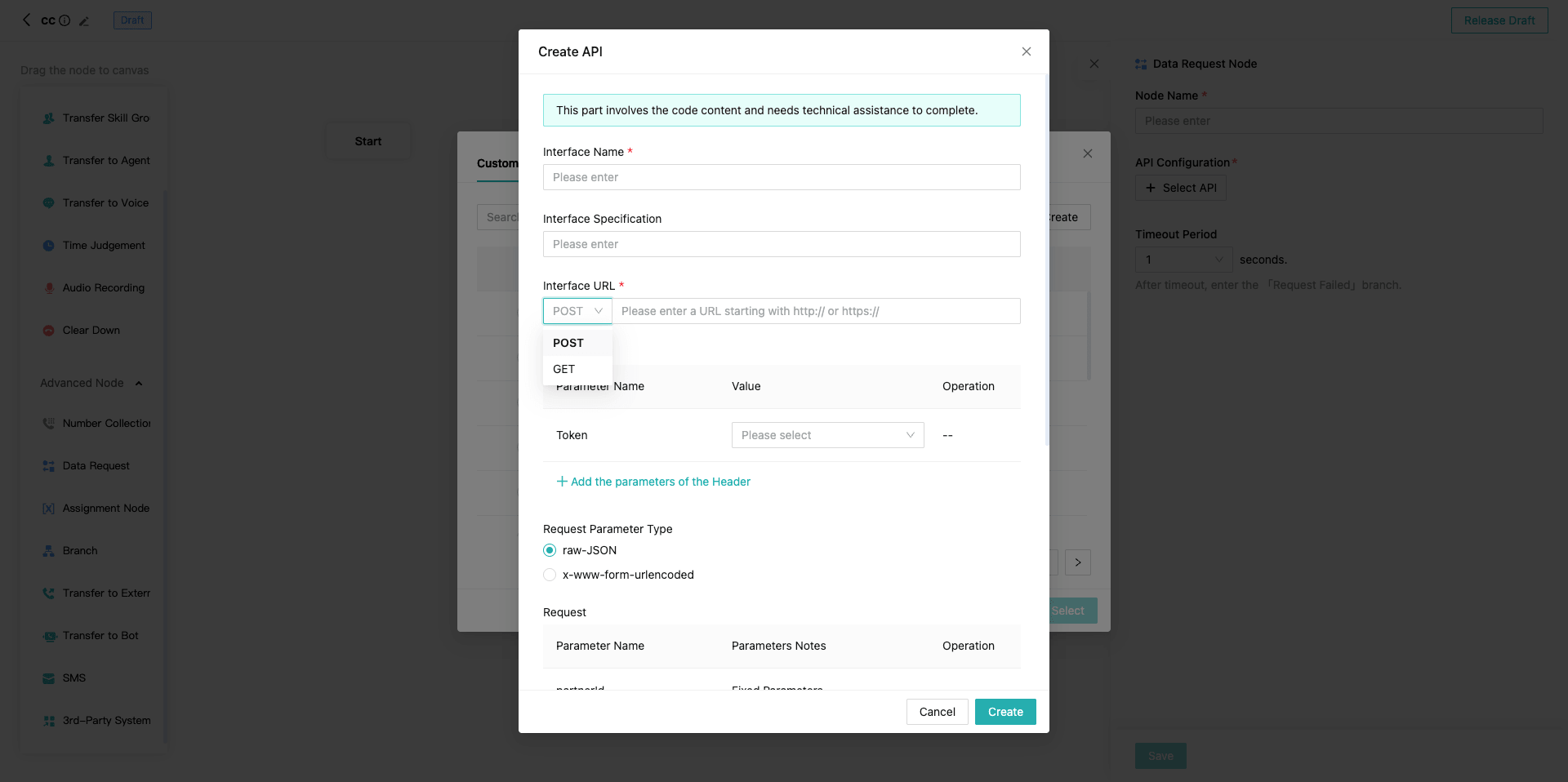
▲ Resource Center · Process
Tools (FC migration + MCP new)
FC (function call, i.e. the former "Action") is migrated; MCP is a brand-new integration method — create, debug, and manage calls to external tools.
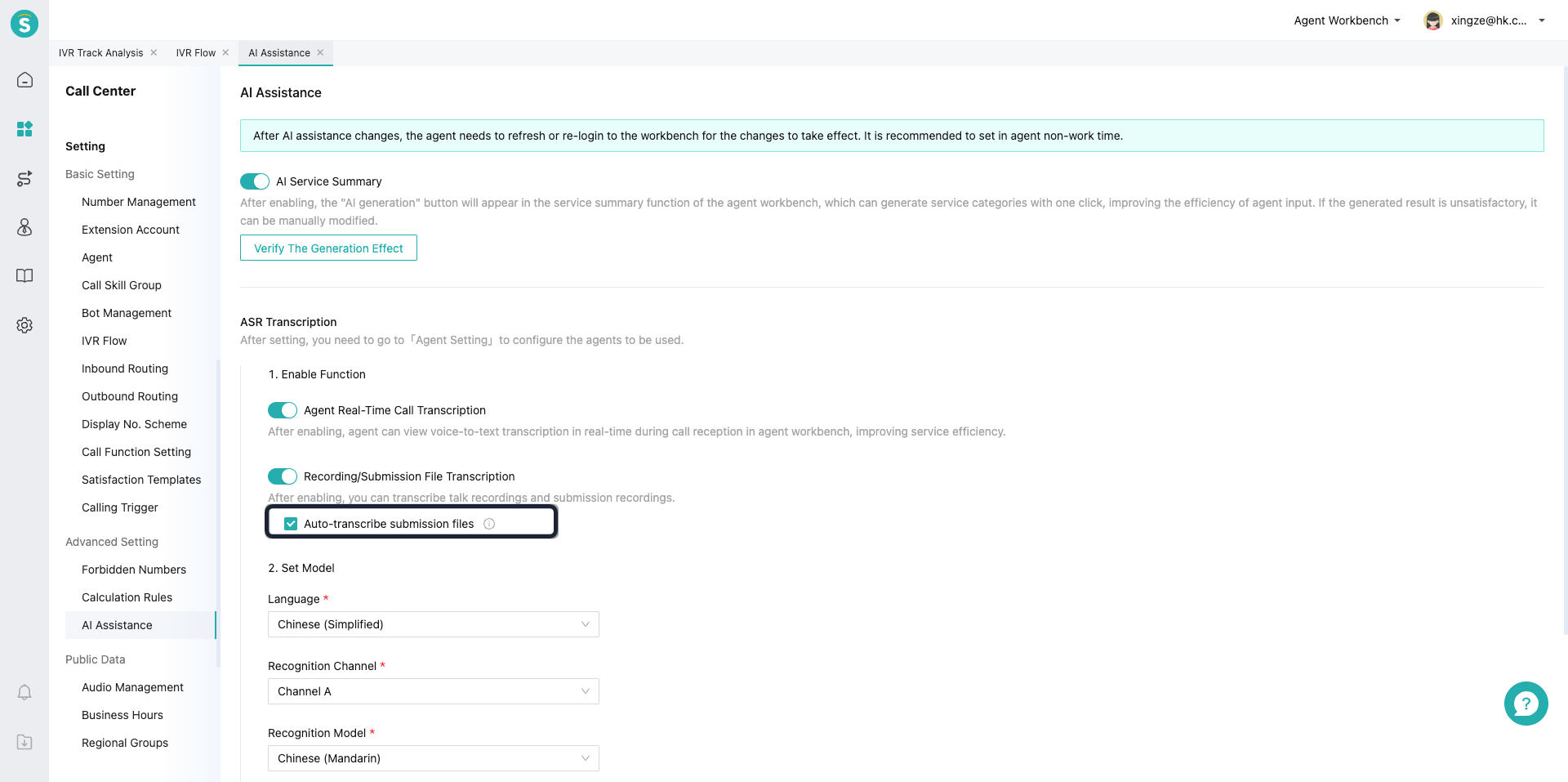
▲ Resource Center · Tools (Actions / MCP)
Memory: cross-session long-term memory
Automatically collect and accumulate each customer's long-term memory per memory rules, called continuously across sessions, so the Agent remembers the customer and provides continuous, personalized service.
Custom memory rules: customize per enterprise needs, e.g. collect users' shopping preferences, budget preferences, etc.
Bind memory rules to the Agent.
When a Q&A ends, the system collects memory per the rules, viewable in the user memory profile; if the user talks again, the profile can be used directly in the Q&A.
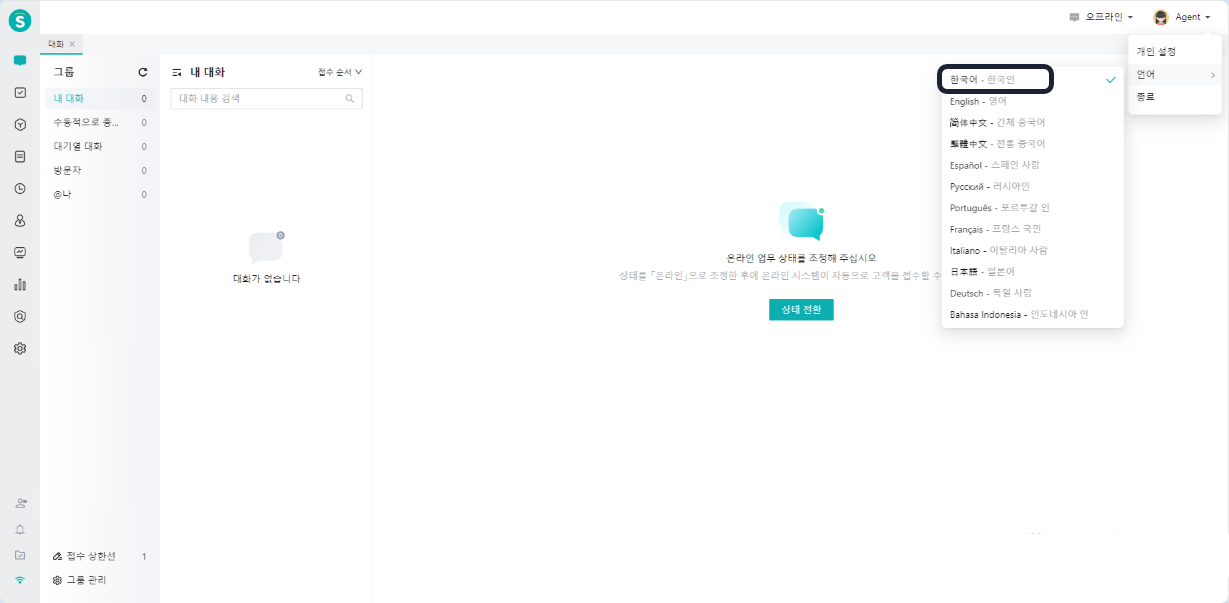
▲ Resource Center · Memory Rules
Variables: UI upgrade
The former "Variable Management", used by autonomous-decision bots and task flows.
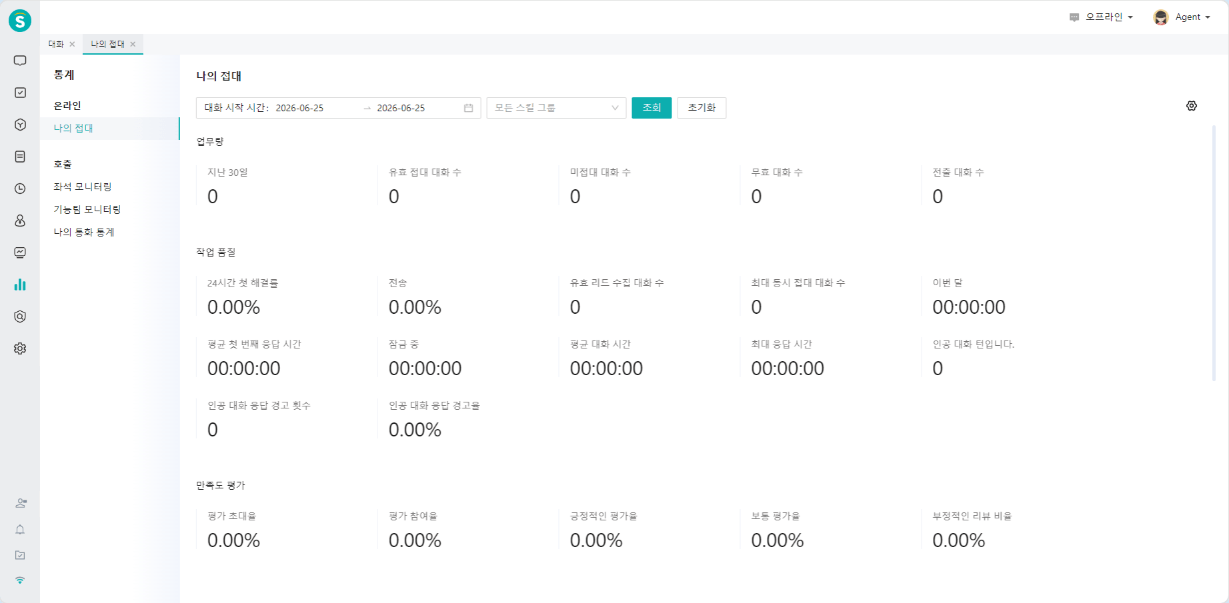
▲ Resource Center · Variables