
AI Studio
# AI Studio
——This article explains the purpose of AI Studio and how you can use a single conversation to build, optimize, evaluate, and analyze data for a bot.
AI Studio is the conversational workspace for Agents. Instead of switching between multiple configuration pages, simply describe a task in natural language. AI automatically identifies your intent and invokes the appropriate capabilities.
Entry: From the left navigation, go to AI Studio › AI Studio.
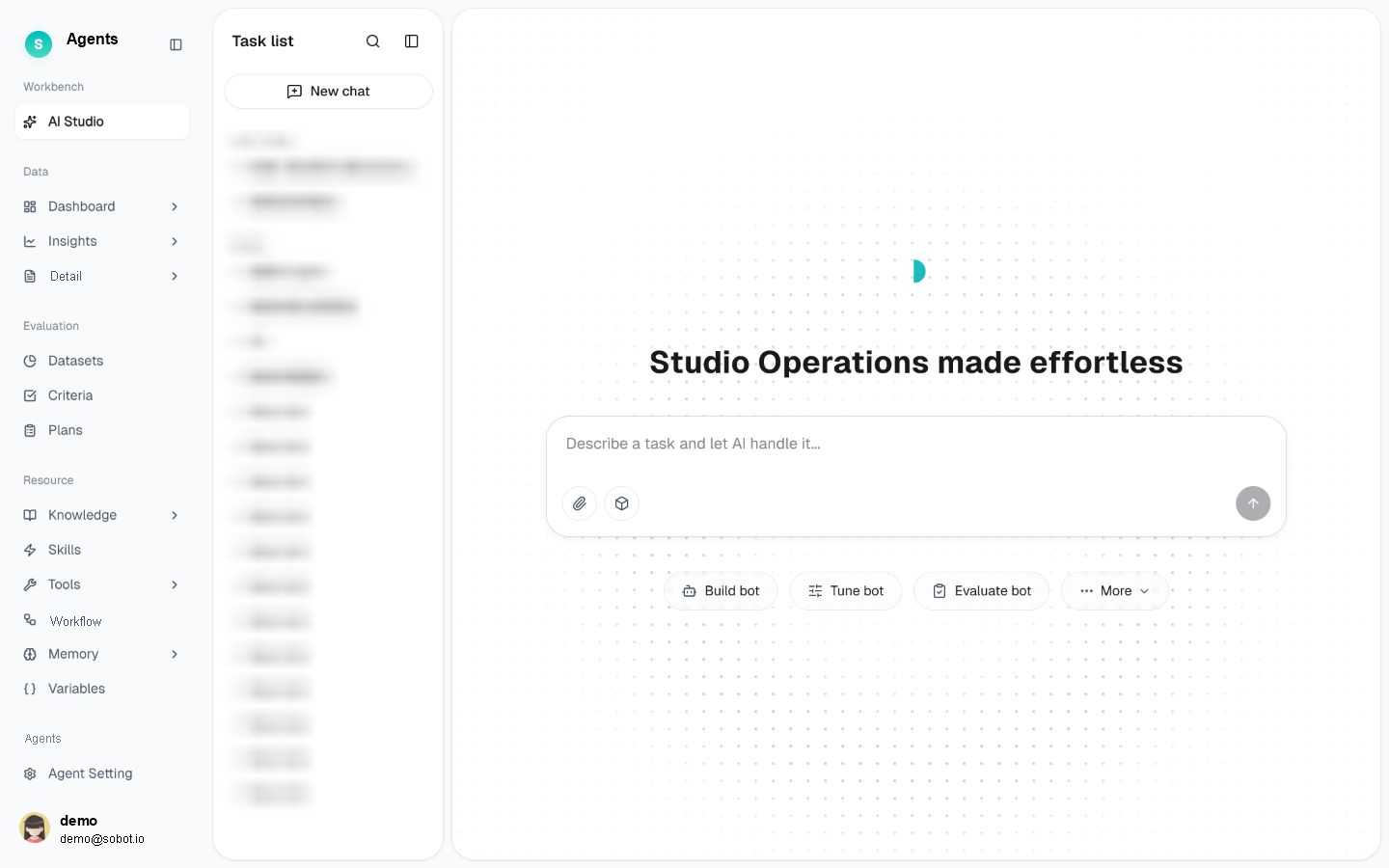
Figure 1: AI Studio home
# AI Studio Overview
- Use case: Perform day-to-day bot operations—including building, evaluation, optimization, and data analysis—using natural language.
- Purpose: Bring building, optimization, evaluation, and data analysis into a single conversation. AI routes each request to the appropriate capability, creating a continuous operational loop of Build → Evaluate → Optimize → Analyze Data.
# What the Four Task Types Can Do
AI Studio organizes work into four task types. Describe what you need in a single sentence, and AI automatically enters the appropriate workflow.
# • Build a Bot
Upload business documents such as SOPs, FAQs, and product manuals, or describe your requirements directly. AI analyzes the materials, breaks down your requirements, and automatically generates configurations for knowledge, skills, tools, and prompts. These configurations are presented as recommendation cards for you to review and confirm one by one. This task is suitable for building a new bot from scratch or adding capabilities to an existing bot.
# • Optimize a Bot
If a bot provides an incorrect or inaccurate answer, describe the issue—for example, "The refund response is always incorrect." AI identifies which layer is causing the problem and provides actionable recommendations. Optimization handles diagnosis and recommendations; after you confirm them, the Build task applies the changes.
# • Evaluate a Bot
After building or updating a bot, say "Help me test it." AI guides you through a quick test chat or batch evaluation, synchronizes the results, and connects you to the optimization workflow. Evaluations are performed in the Evaluation, while AI Studio provides a lightweight conversational entry point.
# • Analyze Data
Use natural language to quickly check metrics, interpret data, or generate reports without memorizing metric definitions or searching through dashboards. AI Studio and the Data use the same algorithms for data analysis, ensuring consistent results.
# FAQ
Q: How does AI Studio relate to the Agent Setting page? AI Studio lets you configure a bot through conversation, while the Agent Setting page lets you configure each item using a form. You can use either interface to configure the same bot.
Q: Do changes made in AI Studio take effect immediately in the live environment? No. Changes made during building and optimization take effect only after you confirm and publish them. Before publishing, you can verify the changes at any time in the debugging window.