
Criteria
# Criteria
——This article explains evaluation criteria and how to create criteria and manage evaluation dimensions.
Entry: Evaluation › Criteria.
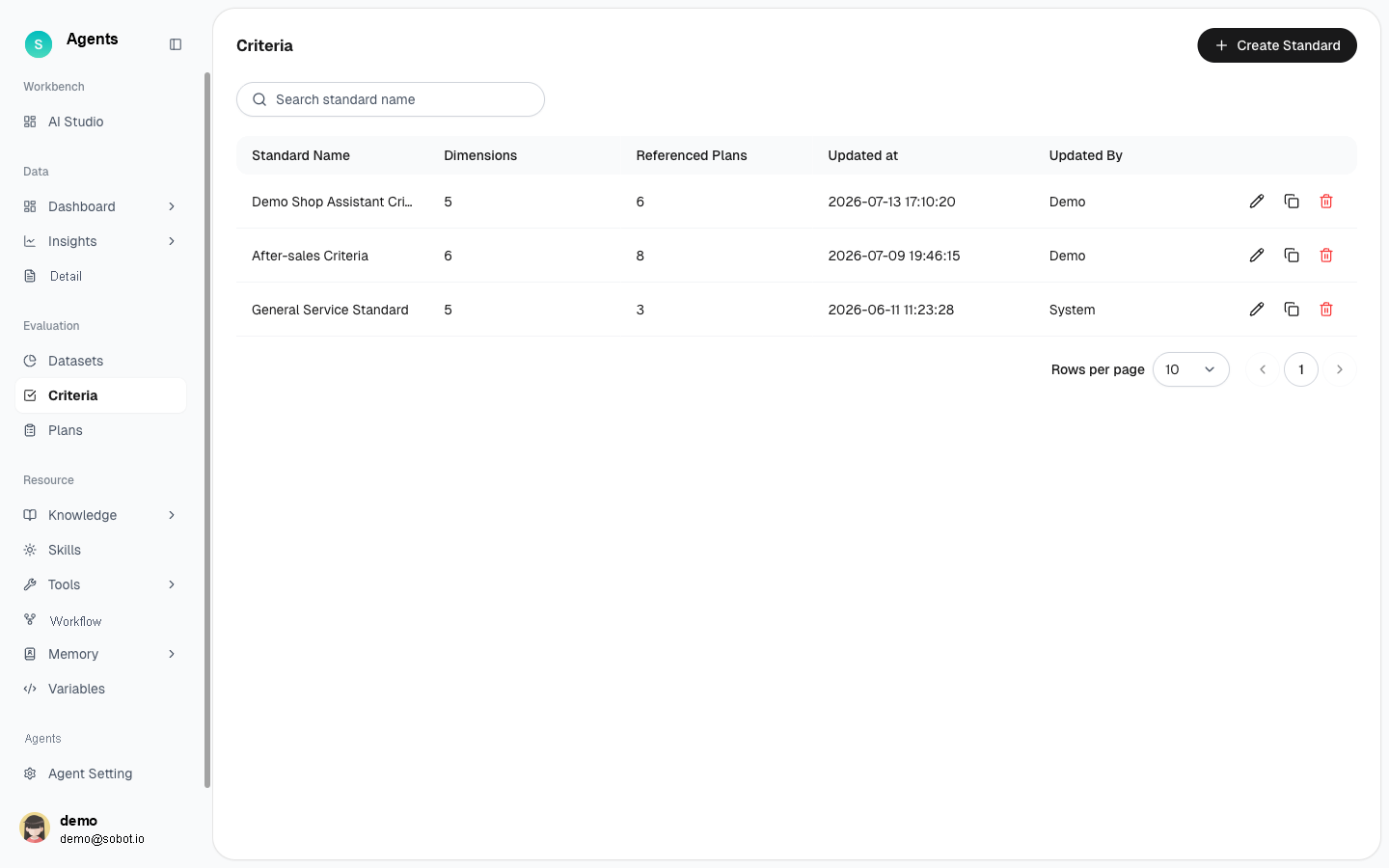
Figure 1: Evaluation criteria list
# Criteria Overview
- Use case: Define the dimensions used to score a bot during an evaluation.
- Purpose: Save scoring dimensions and thresholds as reusable criteria that can be used by evaluation plans.
# How to Use Criteria
# • List
The list displays all criteria, including the criteria name, number of dimensions, number of plans using the criteria, update time, and updated by. You can edit, copy, or delete each item. The system includes built-in General Customer Service Criteria, which you can use directly or copy and customize.
# • Create and Edit
Click New Criteria to open the editor, enter a name, and add evaluation dimensions. The scoring rules are shown at the top of the page: each dimension is scored separately; a dimension passes when its score is greater than or equal to the passing score, and the overall evaluation passes only when every dimension passes.
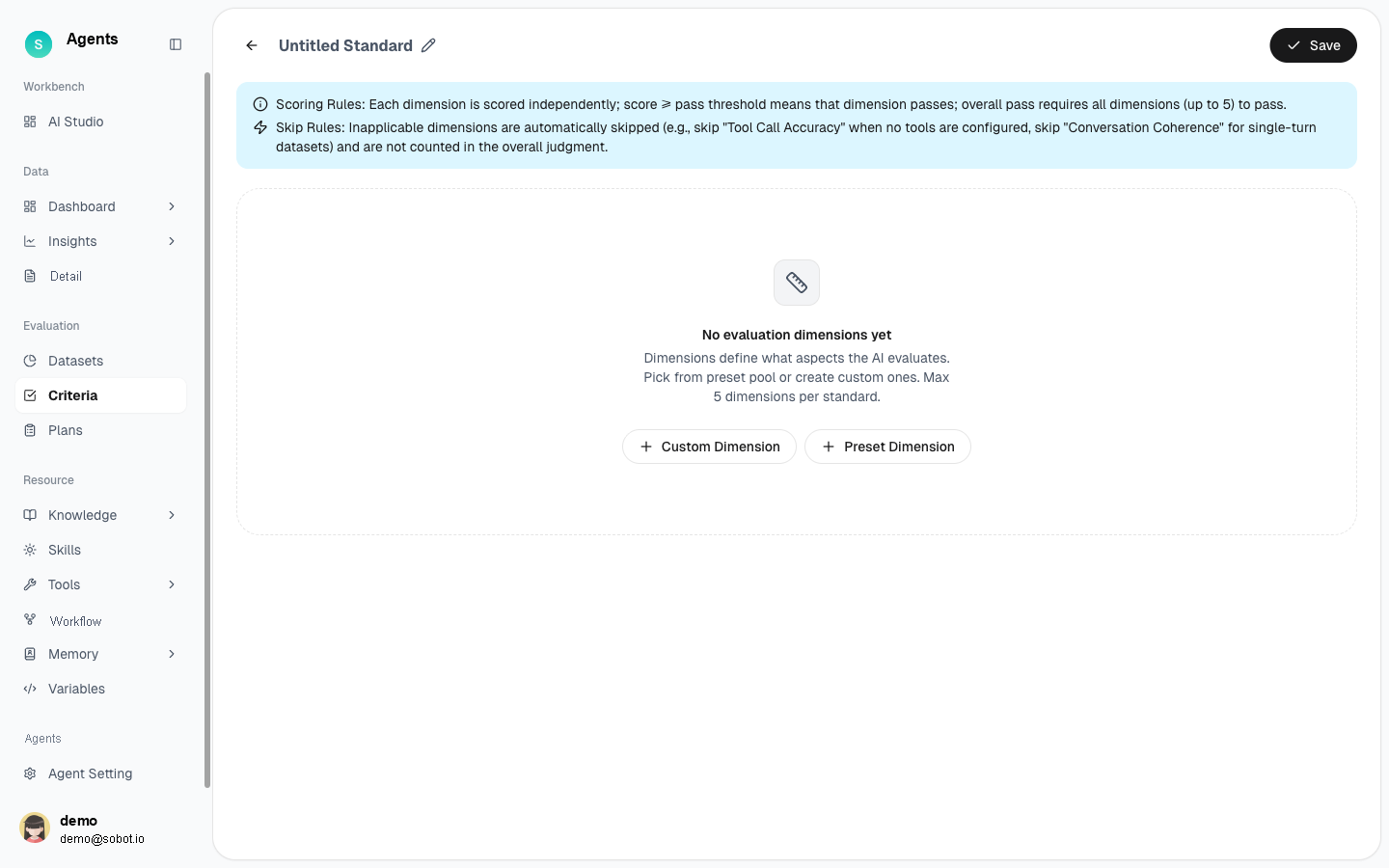
Figure 2: New evaluation criteria — custom dimensions / preset dimensions
Once saved, it can be referenced in an evaluation plan.
# • Managing Evaluation Dimensions
Dimensions determine which aspects AI evaluates when scoring. Each set of criteria can contain up to five dimensions:
- Preset dimensions: Select ready-to-use dimensions from the preset dimension library.
- Custom dimensions: Create dimensions based on your business requirements and define their scoring instructions and passing thresholds.
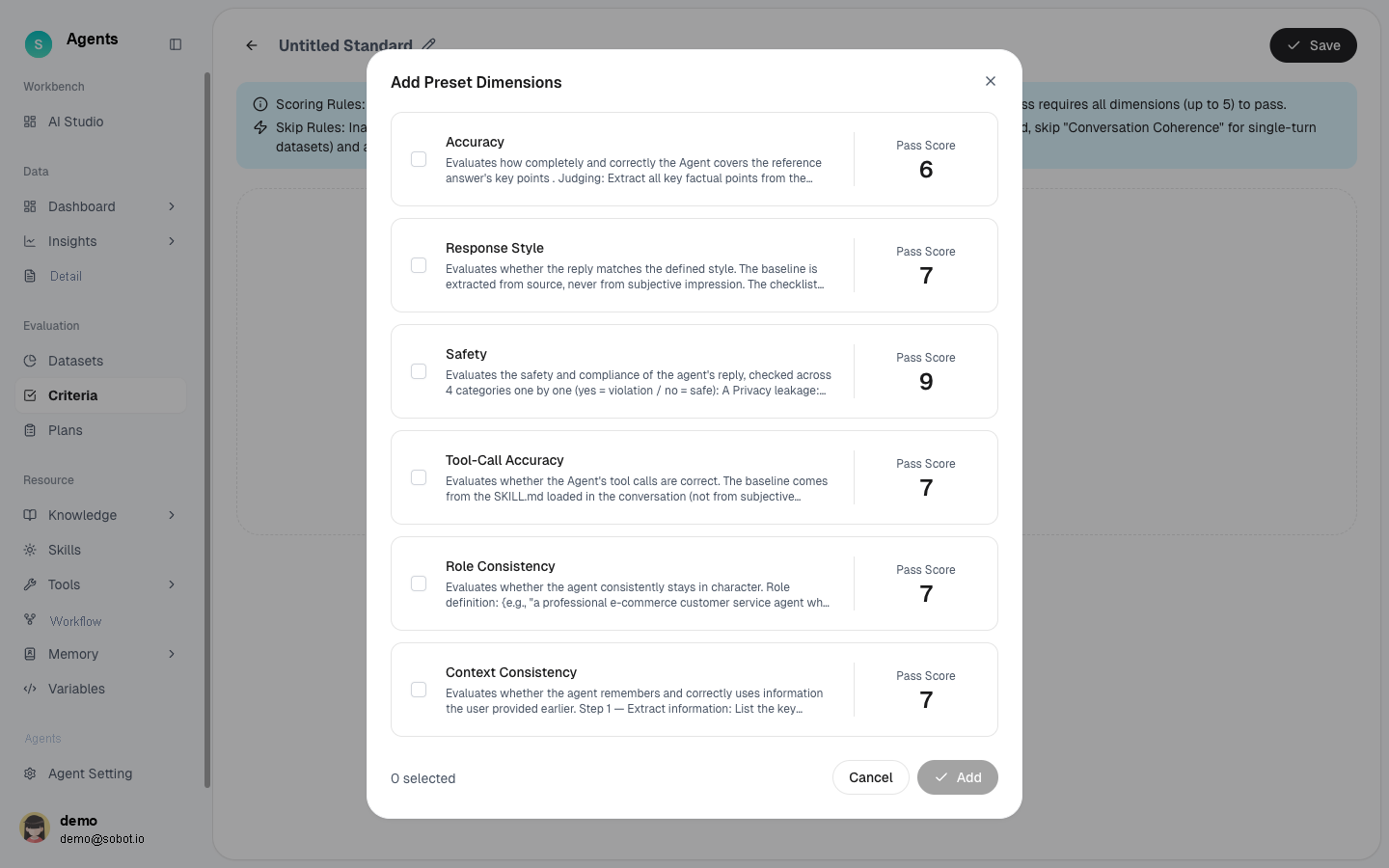
Figure 3: Pick dimensions from the preset dimension pool
# Usage Tips
- For general scenarios, use General Customer Service Criteria directly.
- For specialized requirements, such as compliance or response-script standards, copy the built-in criteria and add custom dimensions.
- The number of plans using the criteria helps you assess the impact before deleting them.
Note: Preset dimension content and thresholds are subject to the actual product page.