Service App FAQ Guide
# Service App FAQ Guide
——Guide customers to get self-service through a variety of FAQ card patterns and display content.
Note: To use this function, you need to purchase a bot product at the same time.
# Role of FAQ
# ● Provide diversified FAQ cards
Differentiate customer identities based on audience segment rules, and provide exclusive FAQ cards on desktop sites, mobile sites and APP channels in bot links to guide customer inquiries.
# ● Rich FAQ card patterns
Comprehensively improve the display pattern of FAQ cards, provide three FAQ card display modes: question list, multi-group questions, and multi-business questions. Enterprises can use FAQ cards to carry rich product information and customer inquiries to guide customers to get self-service.
# Main Functions of FAQ
# ● Operation Path
Admin Console > Live Chat > Service Appls > FAQ
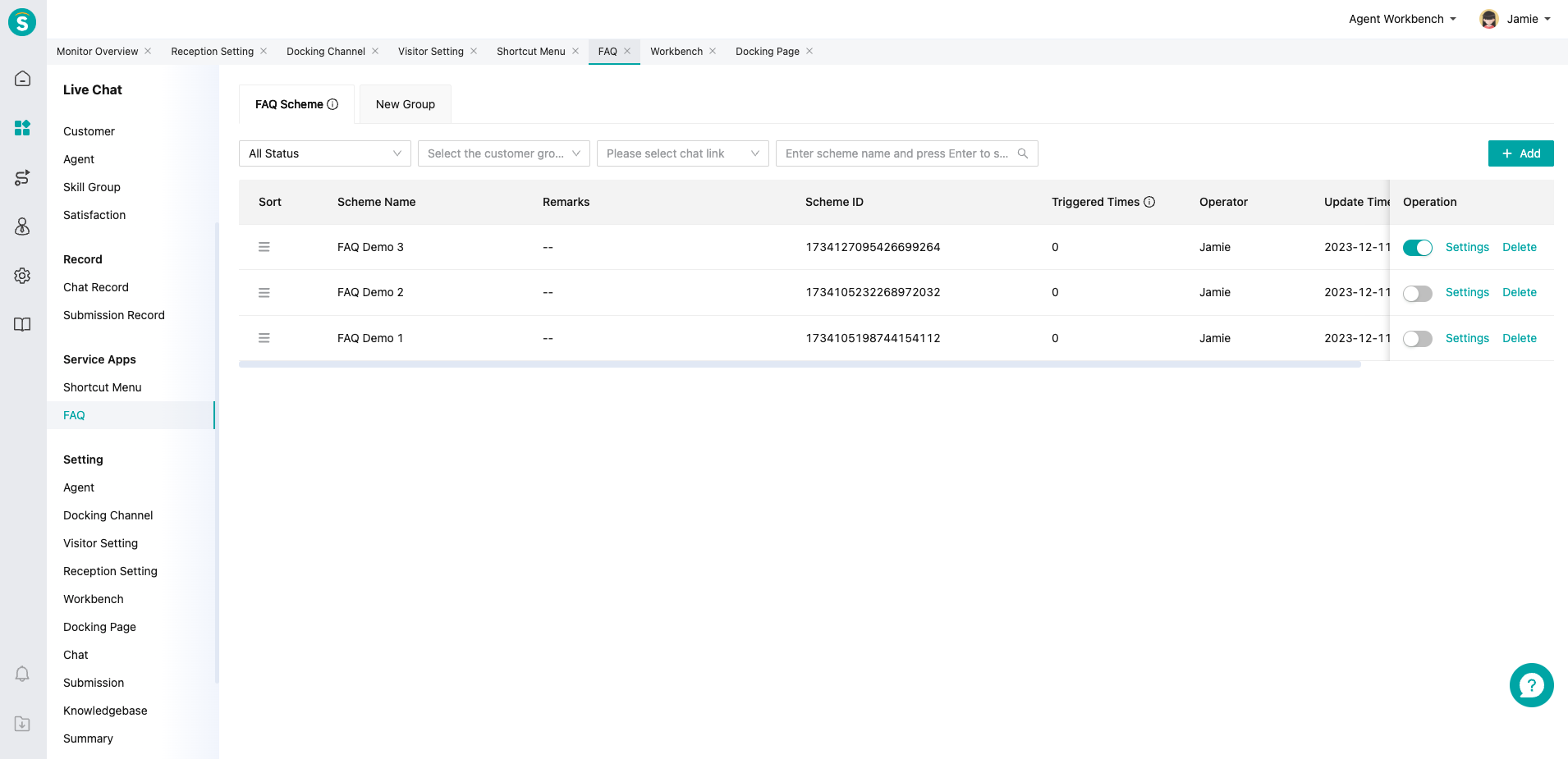
# ● Manage different FAQ schemes through the management list
You can view the triggered times of different schemes for FAQ and whether the management scheme is enabled
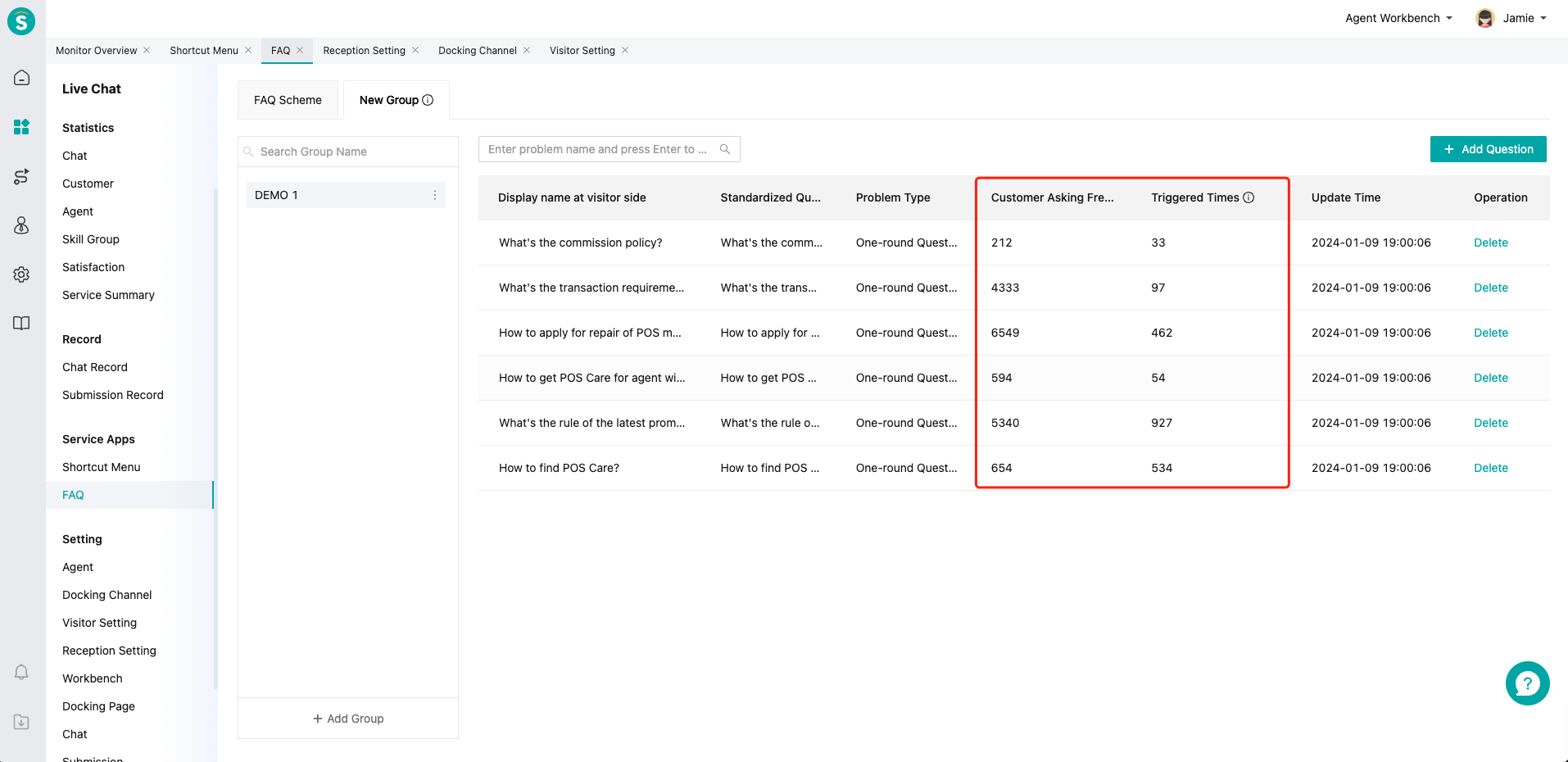
# ● Manage questions in group through the FAQ library
Support quoting bot and knowledge center entries and viewing their usage
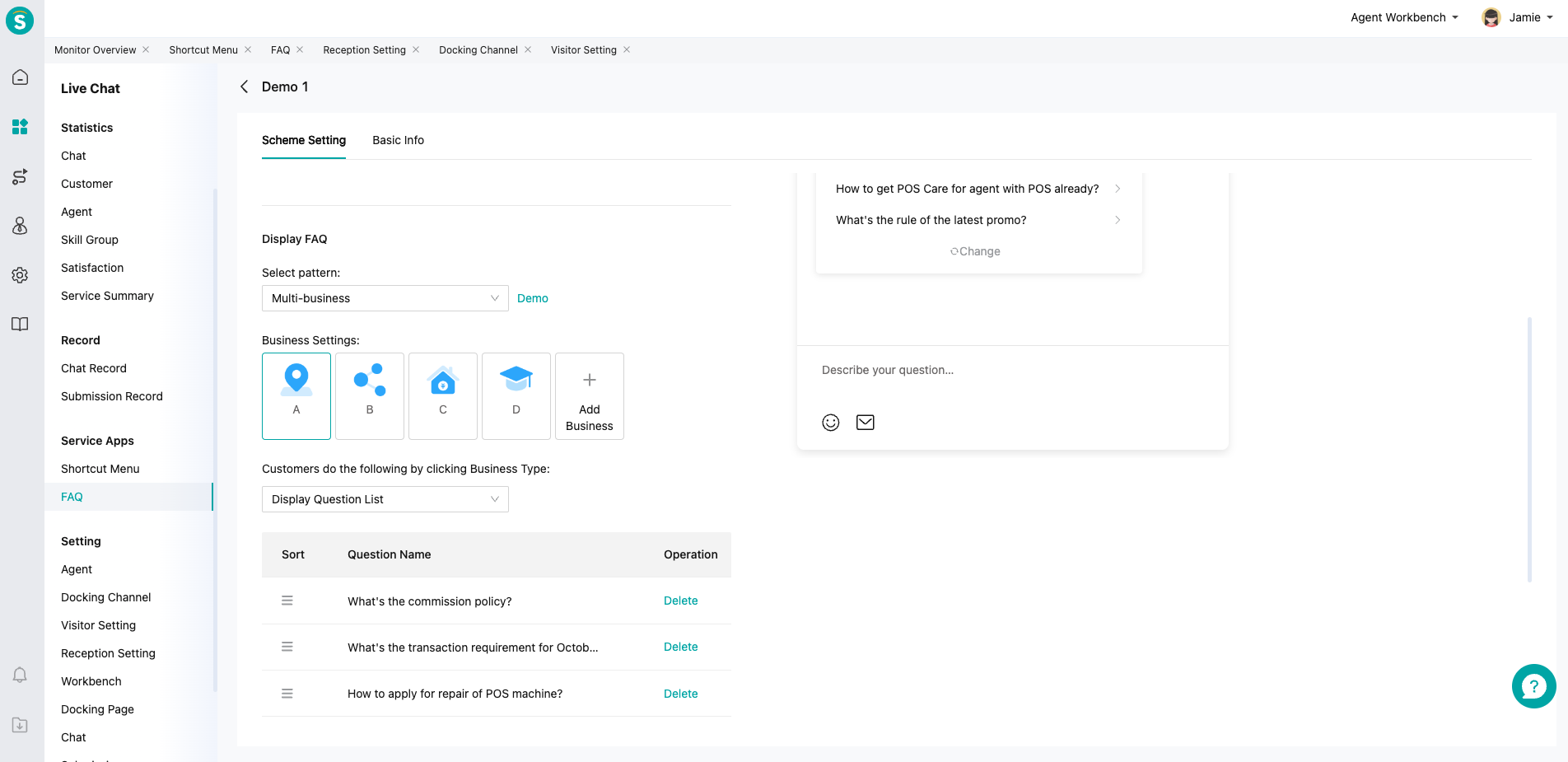
# ● Enter the FAQ edit page
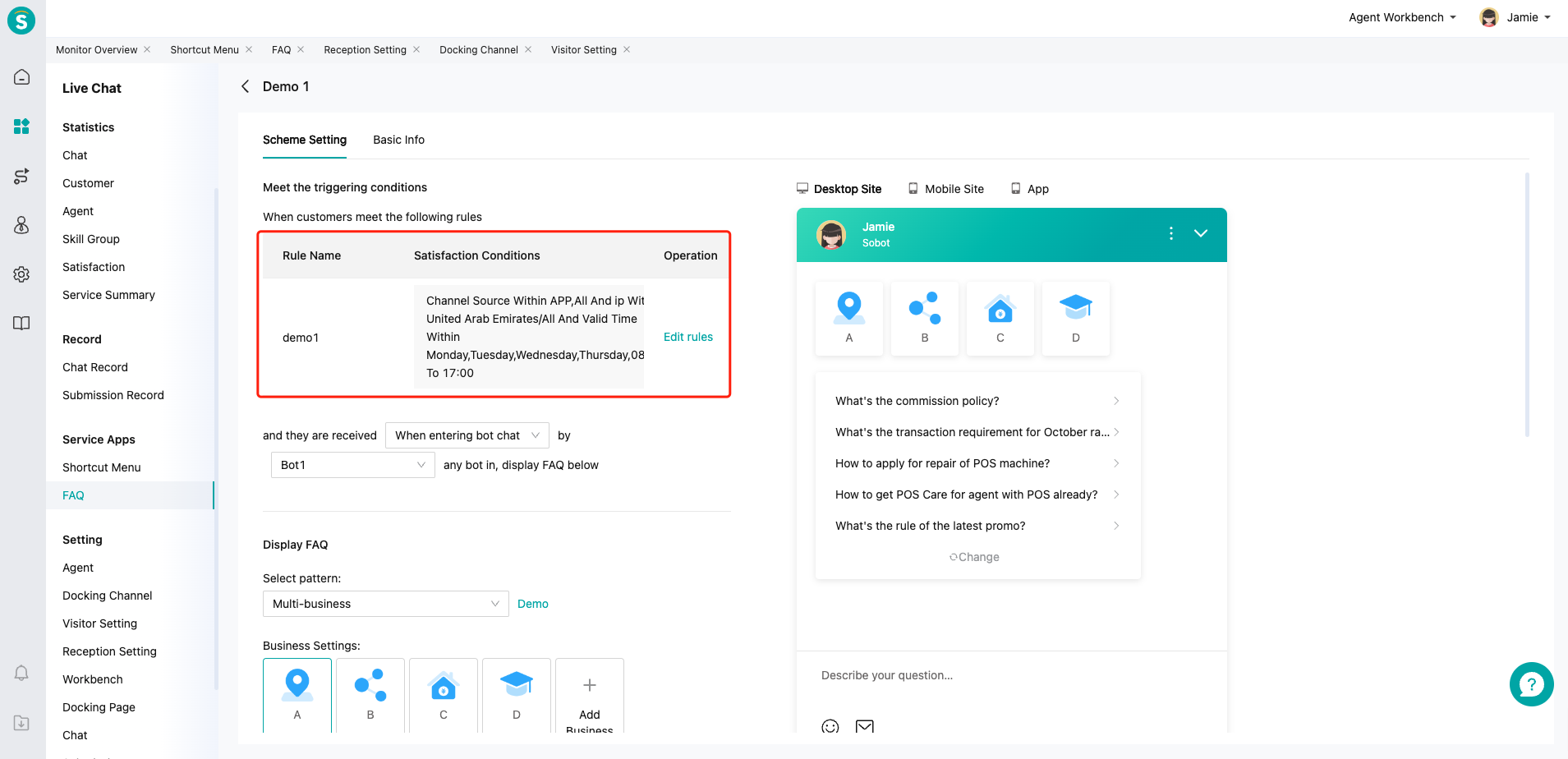
The system provides unified FAQ settings, automatically adapts to the display effect of desktop sites, mobile sites and APP channels. On the right side of the page, you can see the preview patterns of the corresponding FAQ cards on the default visitor
# ● Define the customer groups and trigger conditions displayed by FAQ cards
By quoting the trigger conditions in「 Admin Center > Business and Rule > Business Settings > Audience Segment Rule」, you can designate the display timing of FAQ cards and the reception bots that need to be matched
# ● Choose FAQ card patterns
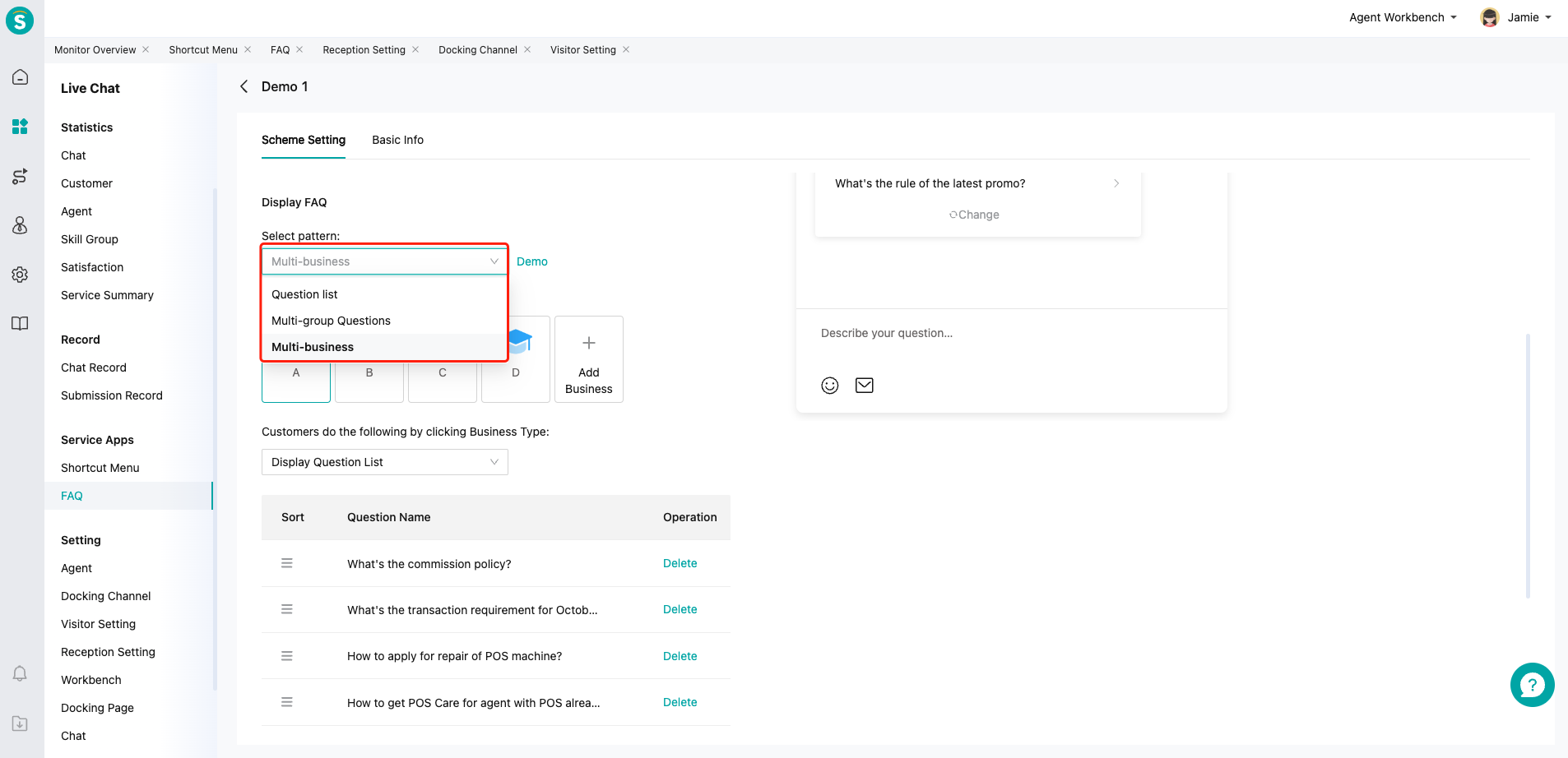
Currently it supports three card modes: question list, multi-group questions, and multi-business questions
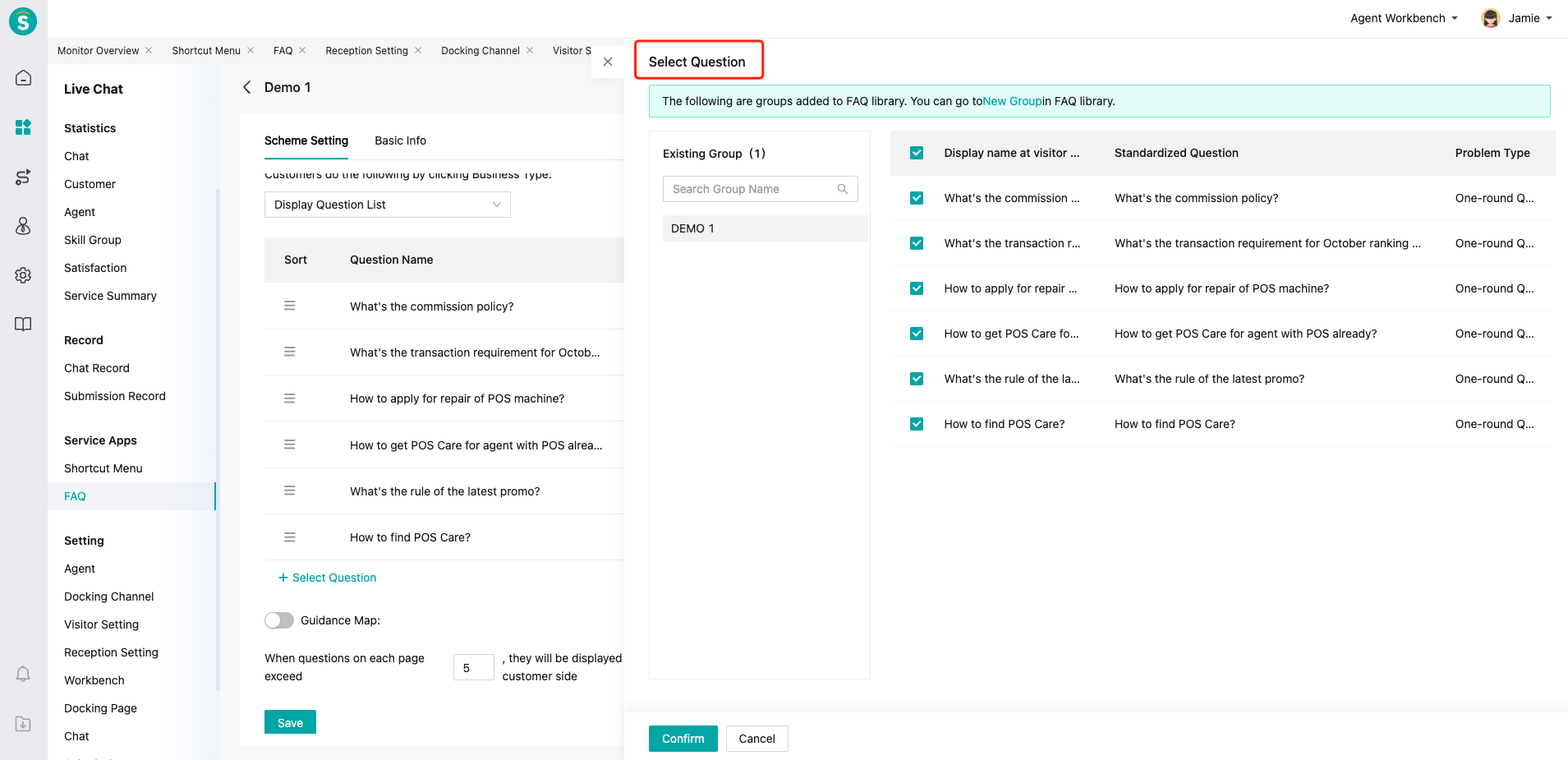
# ● Add questions displayed by FAQ cards with different patterns
Define the specific display content in the FAQ card by associating the knowledge base entries already quoted in the「FAQ Library」
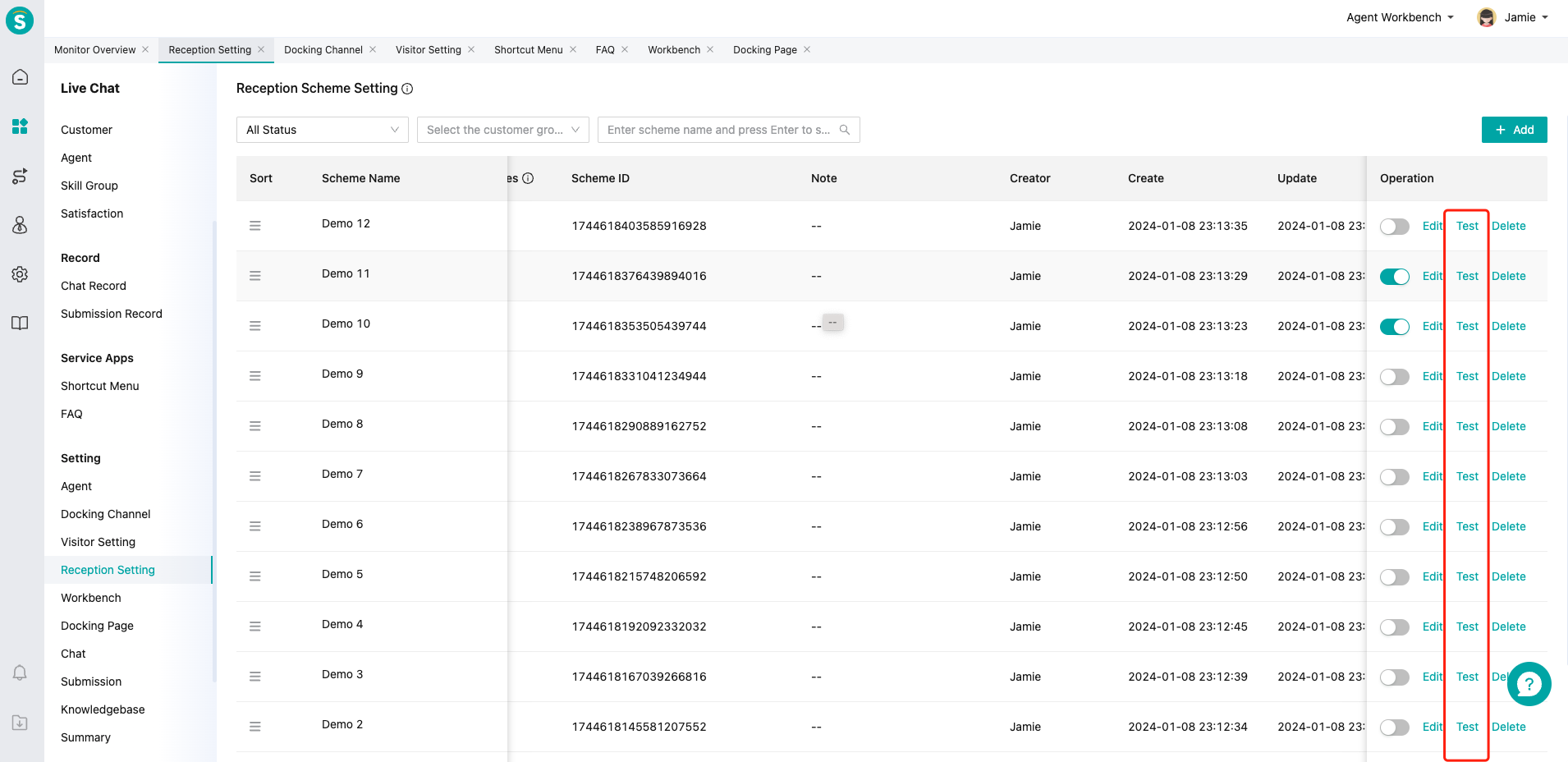
# ● Conduct a unified preview test of the final display effect through the「Reception Scheme」function