Overall Introduction to Chat Management
# Overall Introduction to Chat Management
——Comprehensively learn about the chat management efficiency tools we provide for you based on the customer chat service workflow
# Role of Chat Management
In the process of conducting chat services with customers, the live chat system provides a variety of tools to support customized services for customers.
● Before the chat, various customer assignment rules help your enterprise flexibly assign agent resources to ensure reception efficiency.
● During the chat, they help admins fully control the real-time customer services and effectively identify and resolve the service risks through all-round monitoring means.
● After the chat, effectively obtain customer feedback through satisfaction evaluation.
# How to Use Chat Management
Throughout the chat service workflow, we at least offer the following functions: Customer Info Auto-Save, Customer Assignment Strategy, Submission, Sensitive Word Setting, Satisfaction, End of Chat and Message Webhook.
You can learn about the above functions and complete configurations in order through the Live Chat > Settings > Chat.
# Step 1: Customer Info Auto-Save
After enabling the function, when customer initiates an inquiry, customer info will be automatically saved in「CRM」.
Note: After enabling, such function works only after partnerid params are set in the customer page link by desktop site, mobile site and APP channels. 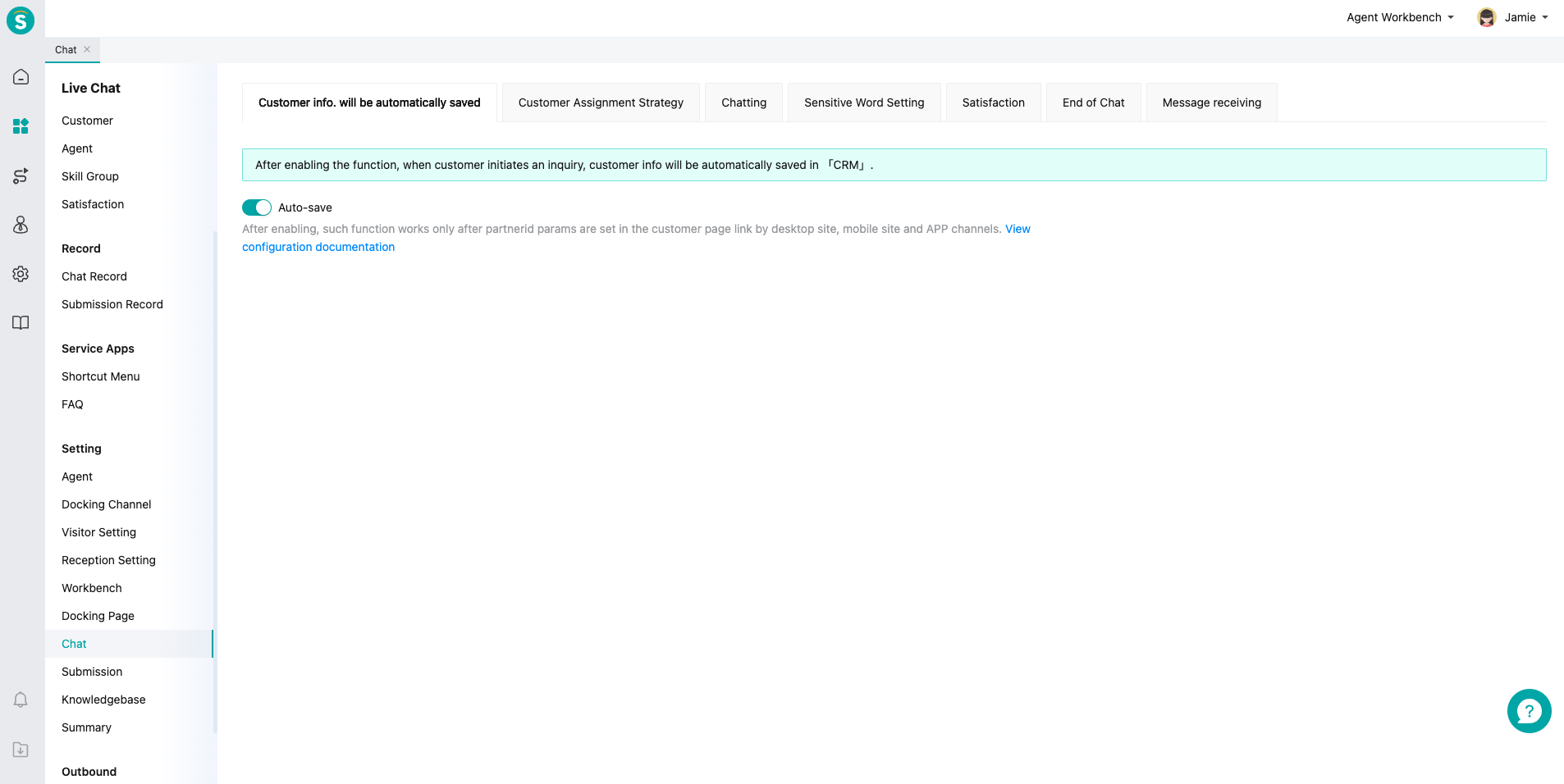
# Step 2: Customer Assignment Strategy
Support multiple Customer Assignment Settings, with assignment rules detailed in: Description of Customer Assignment Rules 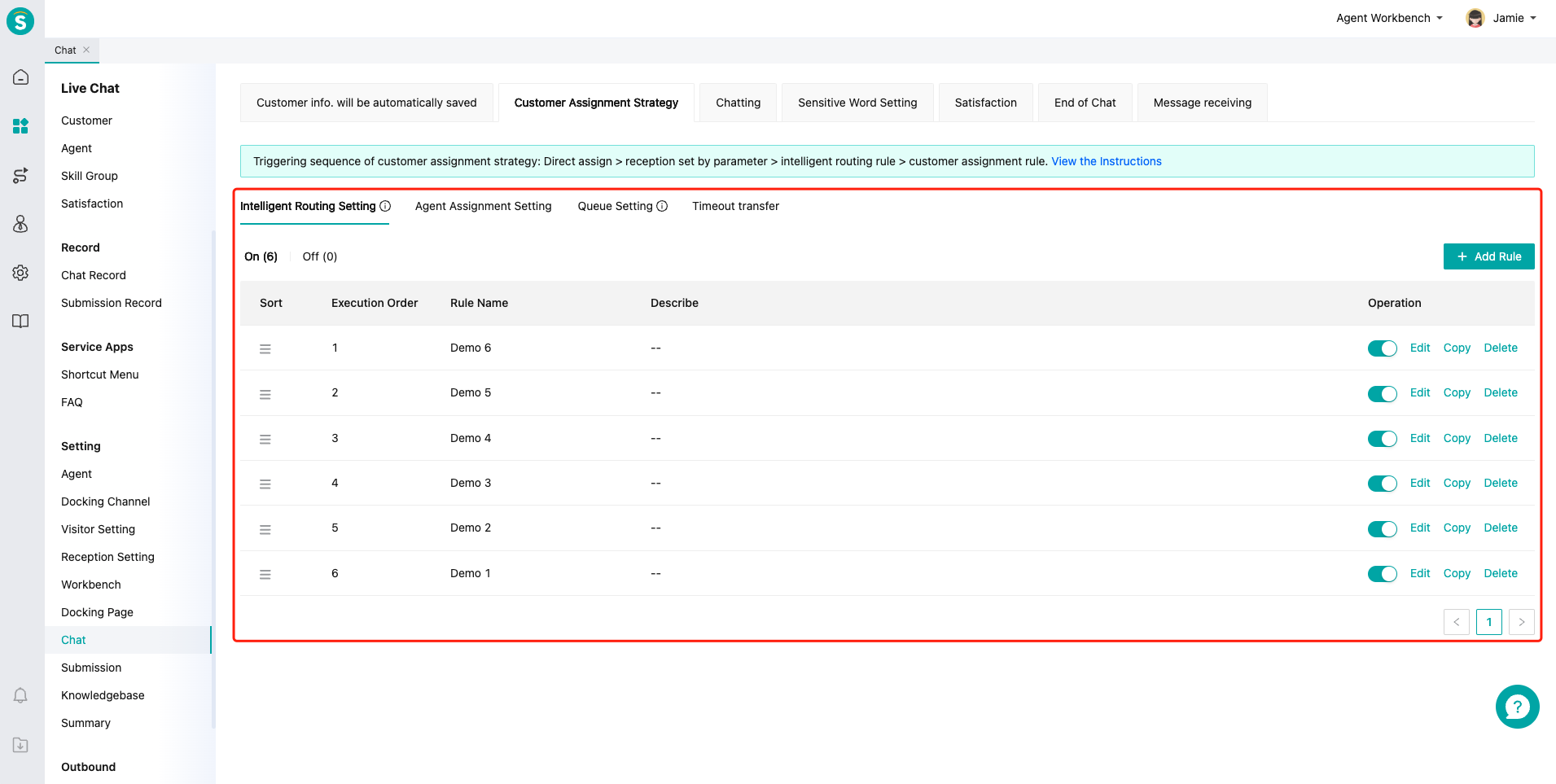
# Step 3: Submission
Customize submission content and submission rules.
Note: This feature is only available when the mode is set to Real-Time Reception Mode. 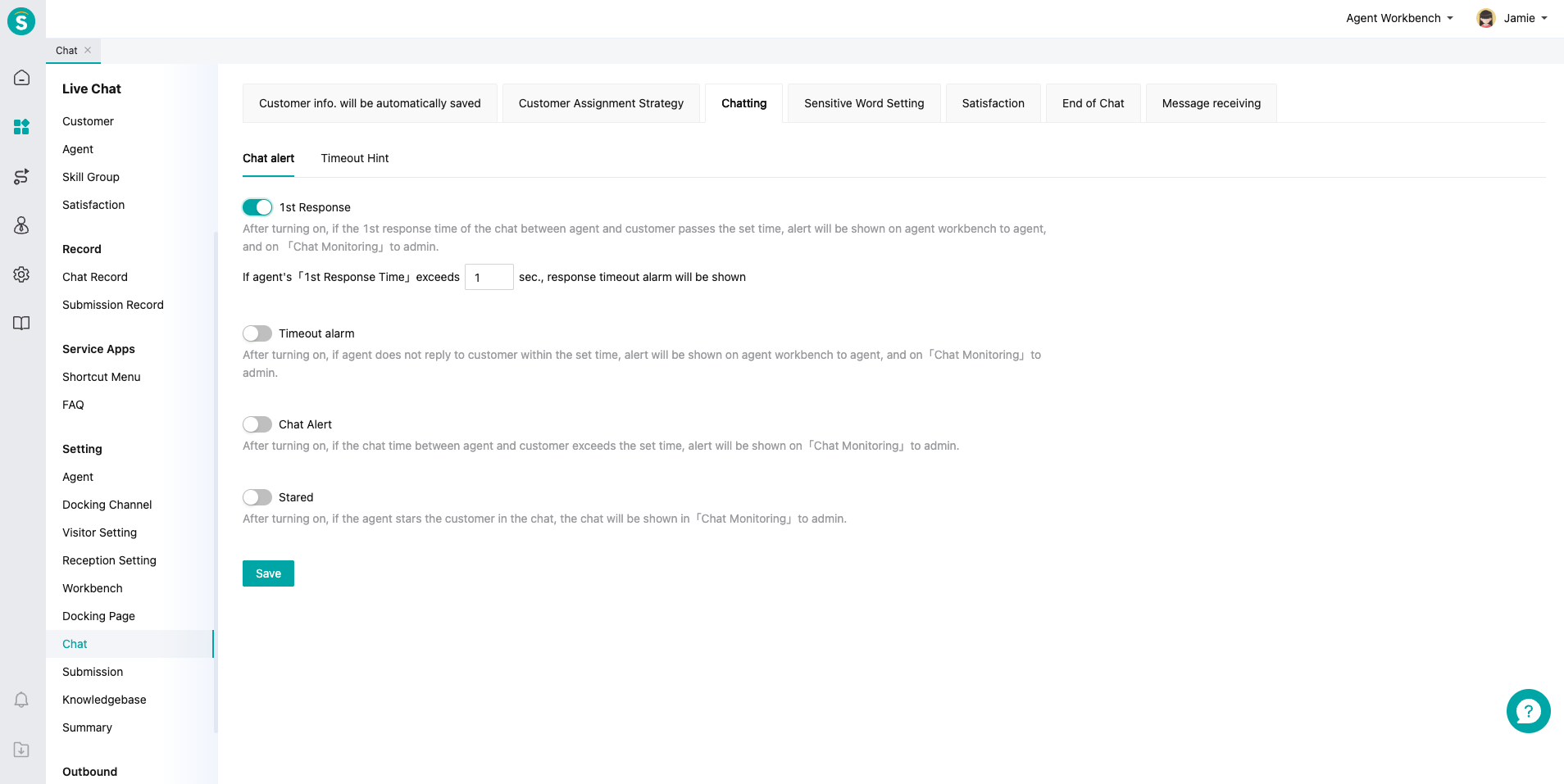
# Step 4: Sensitive Word Setting
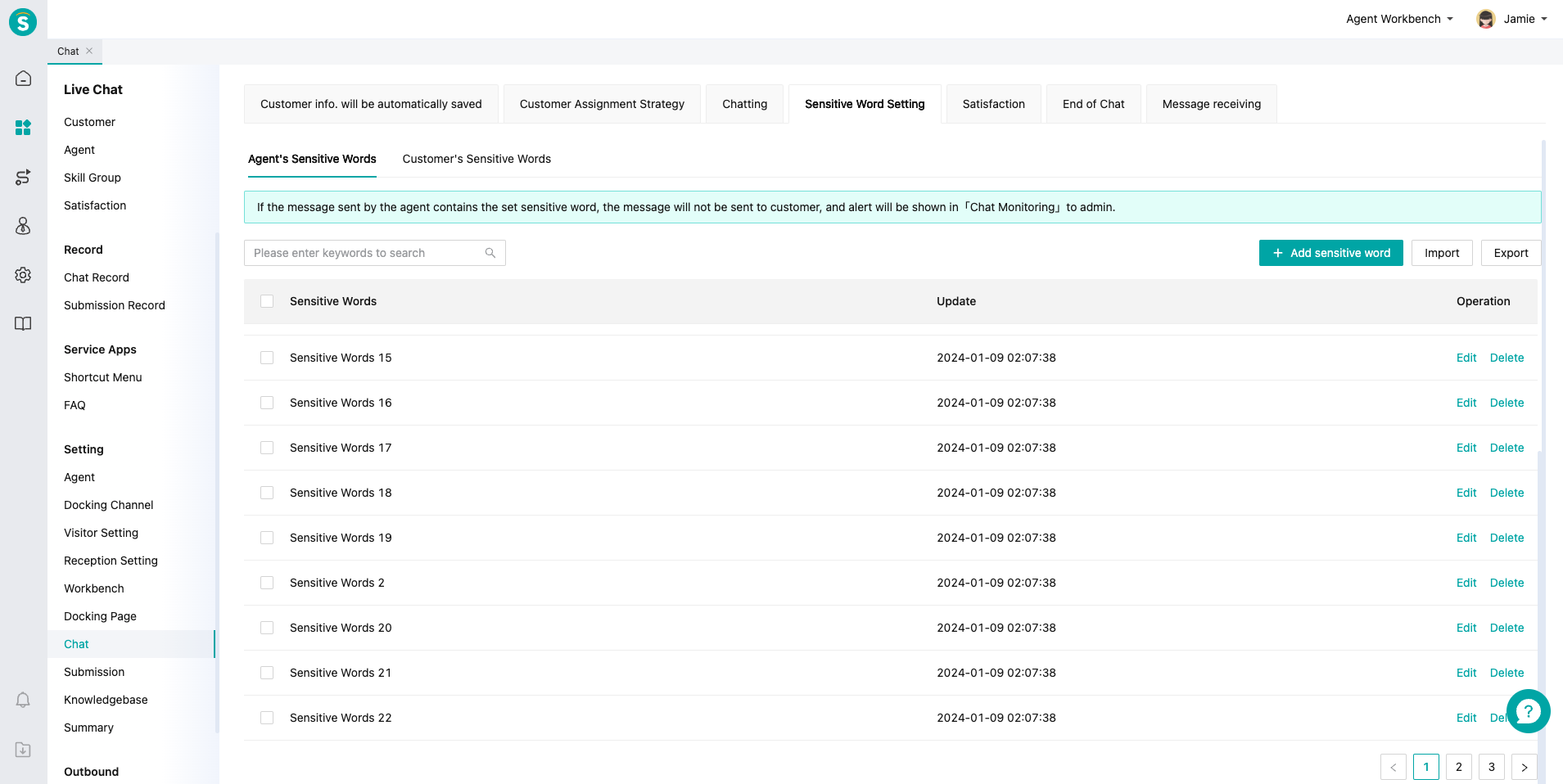
Customize sensitive words by agent or customer dimension, and conduct real-time monitoring and management through「Chat Monitoring」module.
# Step 5: Satisfaction
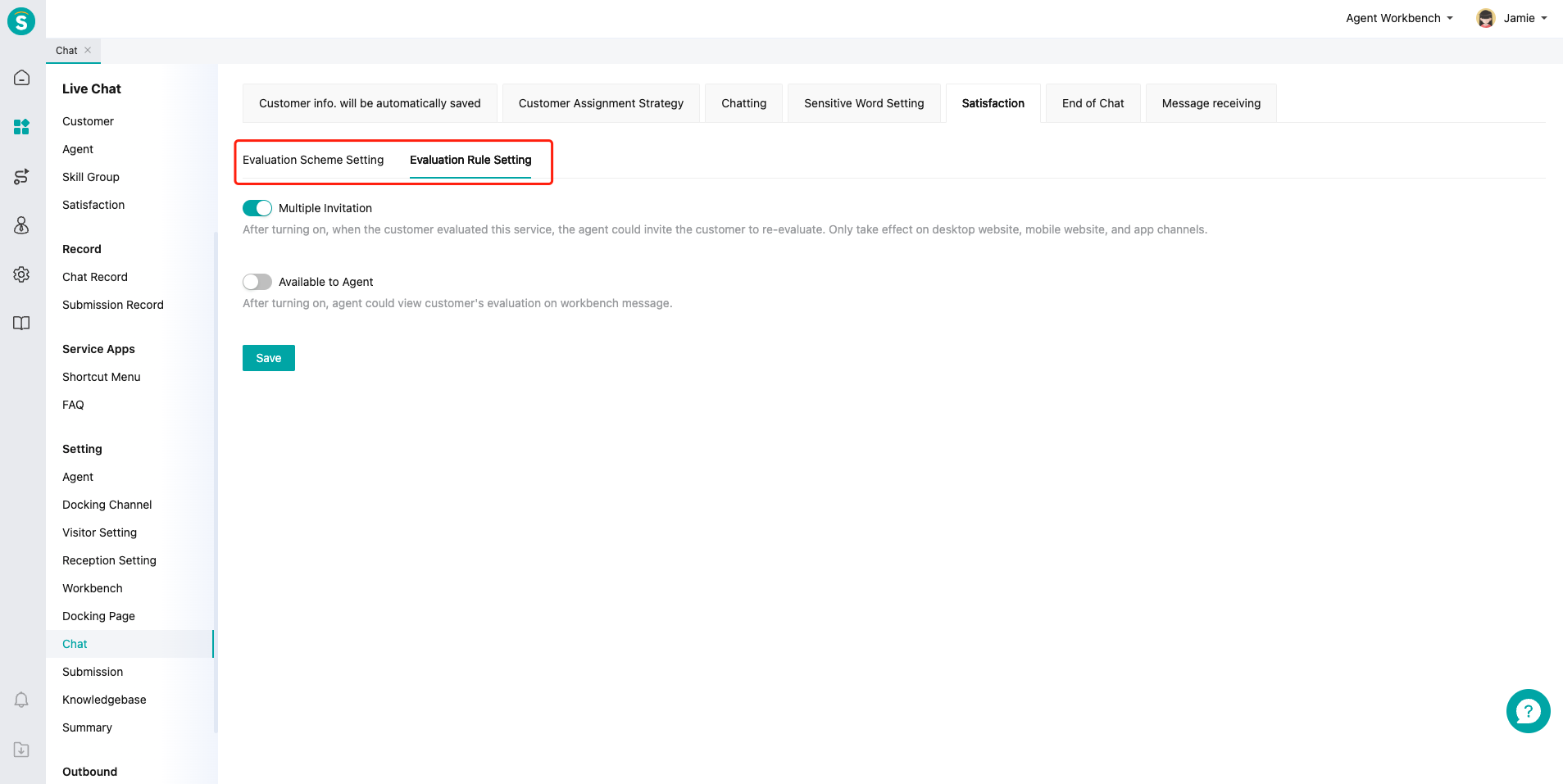
Set satisfaction evaluation scheme by skill group and global dimension, and set rules of repeated evaluation invitation and evaluation result visible to agent.
# Step 6: End of Chat
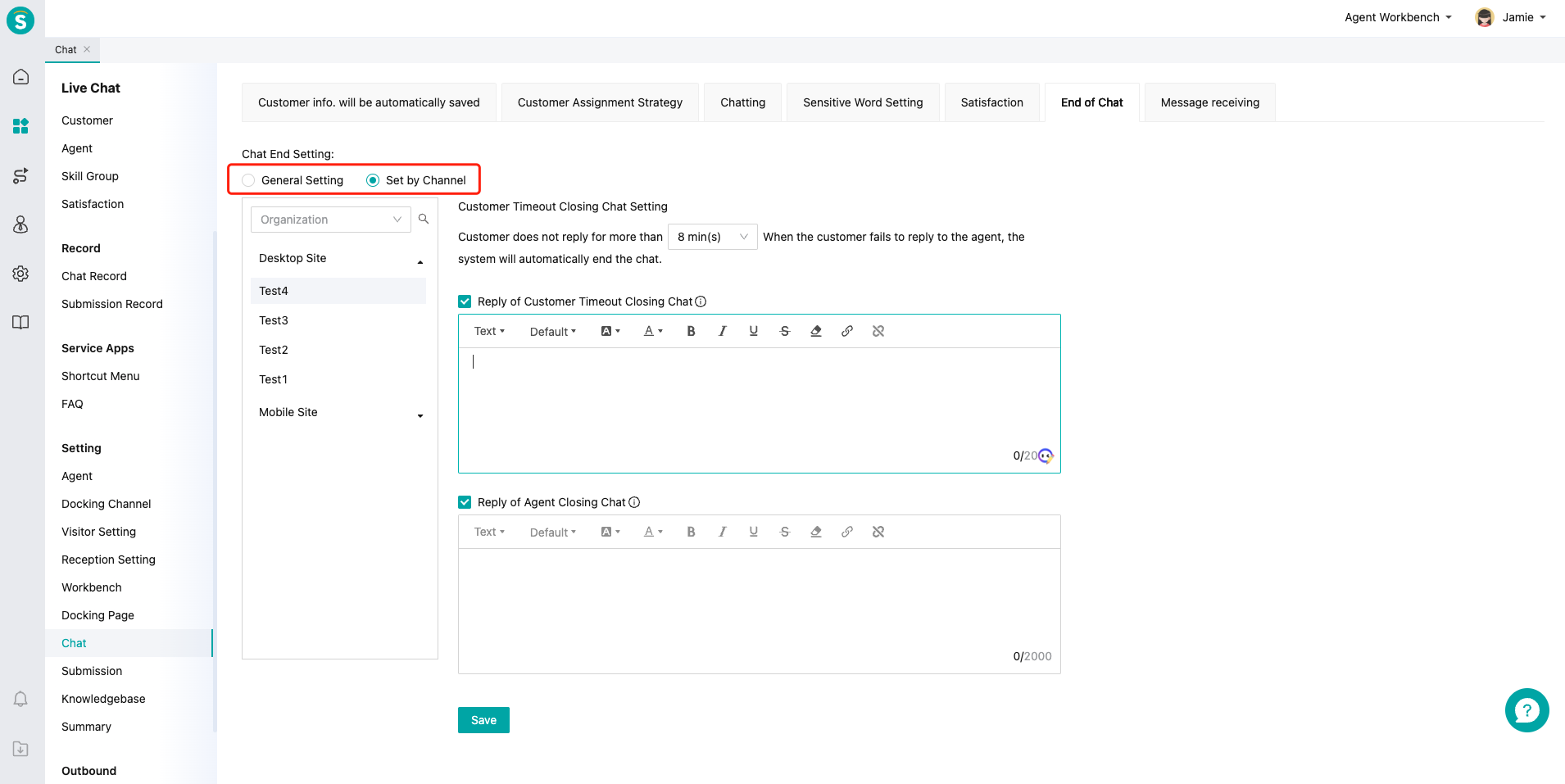
Set prompt for chat end or customer timeout offline by channel or overall dimension.
# Step 7: Message Webhook
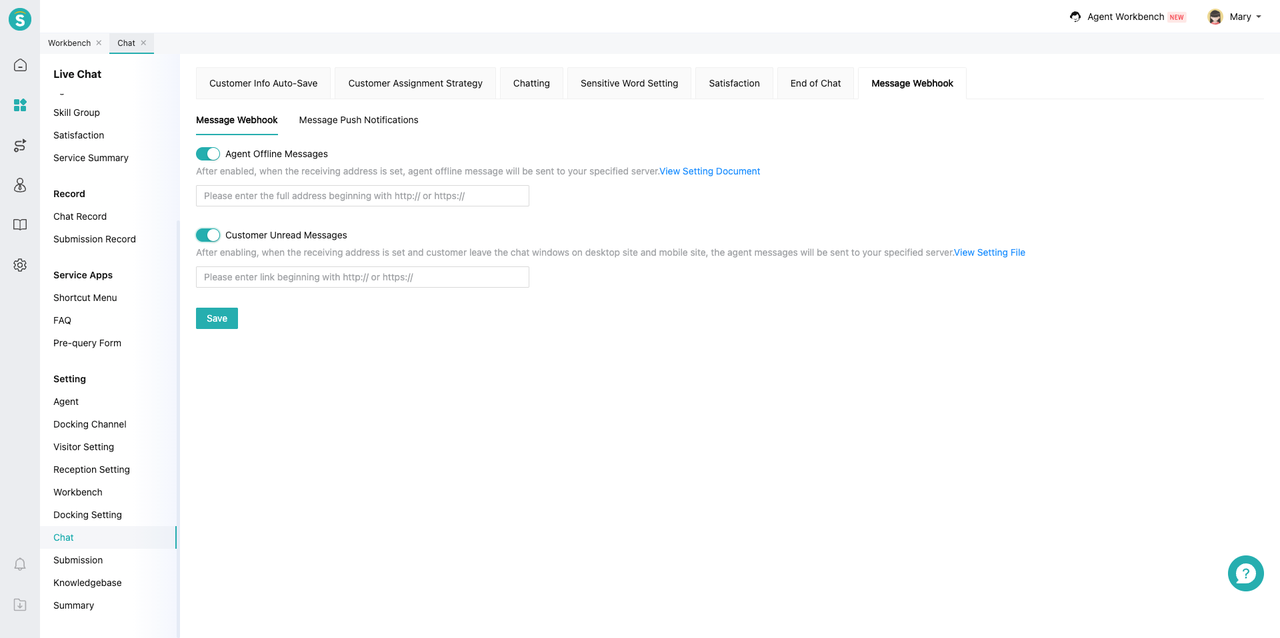
Supports pushing offline messages between customer service and users, as well as event messages from online customer service, to the address specified by the enterprise.
● Message Webhook
On the "Chat > Message Webhook > Message Webhook" page, turn on/off message push notifications. After enabling the corresponding message push, enter the enterprise message reception address in the corresponding input box.
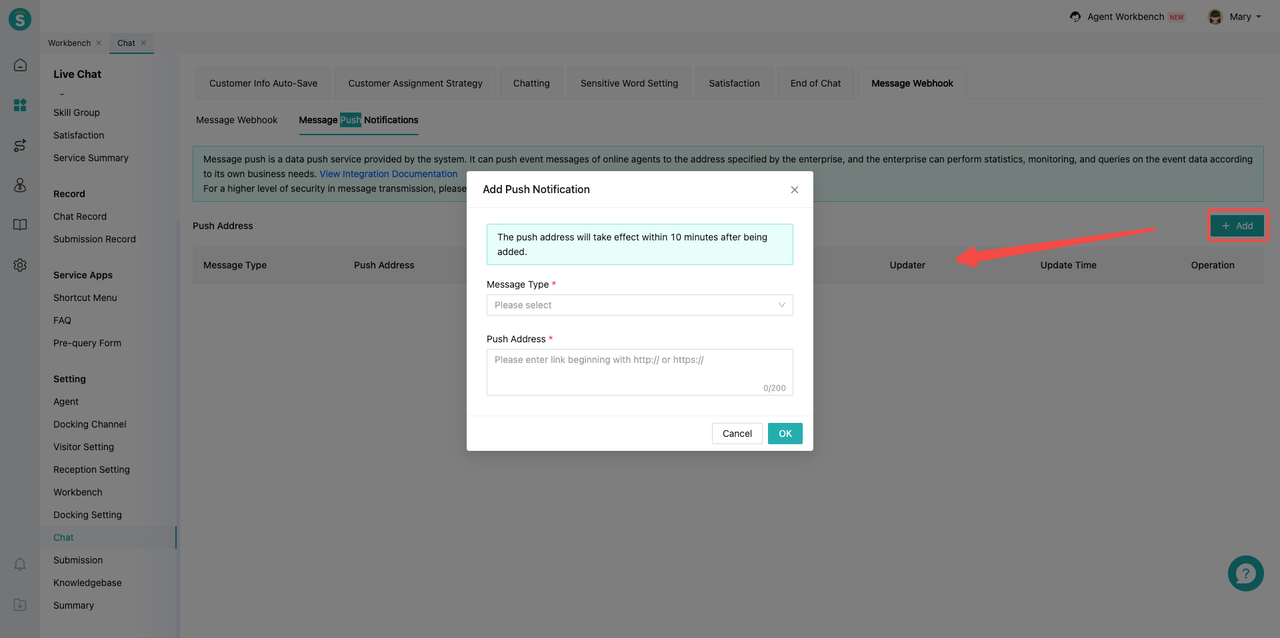
● Message Push Notifications
On the "Chat > Message Webhook > Message Push Notifications" page, select the message types that need to be pushed and fill in the receiving address. After completing the information, click Confirm.