TikTok Shop Integration Guide
# TikTok Shop Integration Guide
——Learn the specific steps to integrate TikTok Shop services with Sobot Agent Workbench through this article;
# Preparation
● A Sobot system administrator account.
● A TikTok Shop account owner credentials.
# Authorize TikTok Shop Application
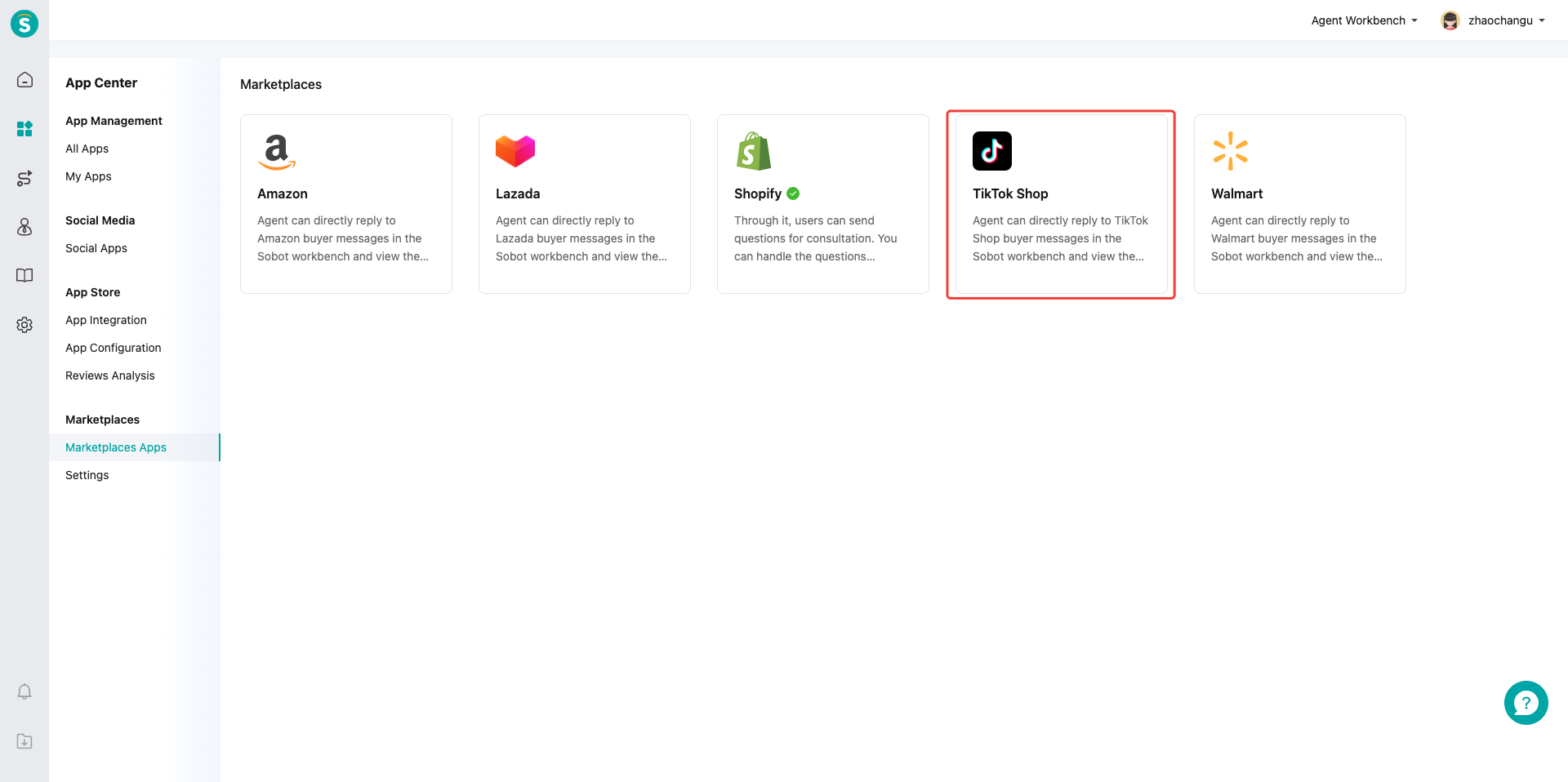
# ● Start Integration
Find the TikTok Shop application in Channel Center——Channel Management, then click "Start Integration".
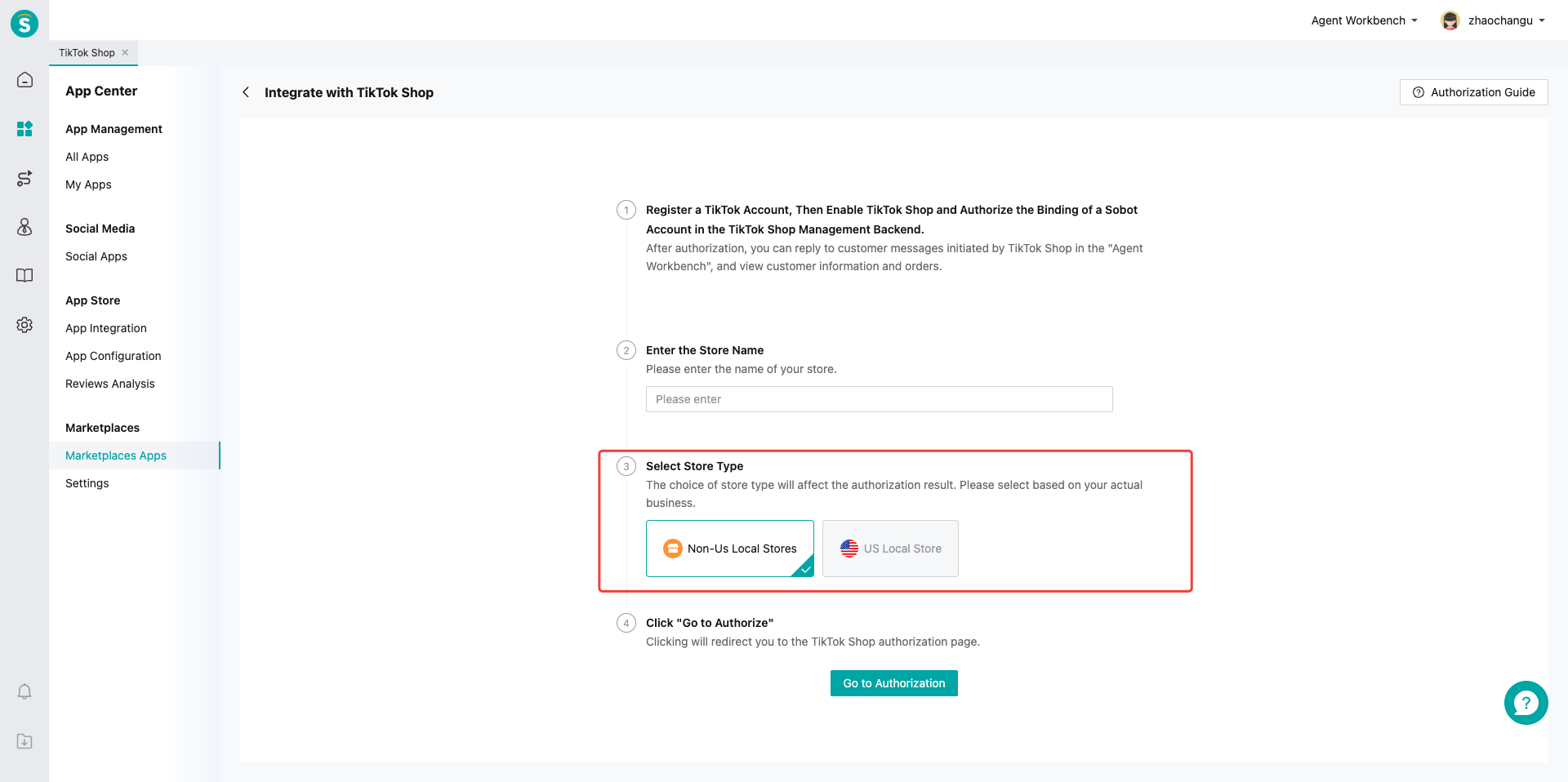
# ● Select Region
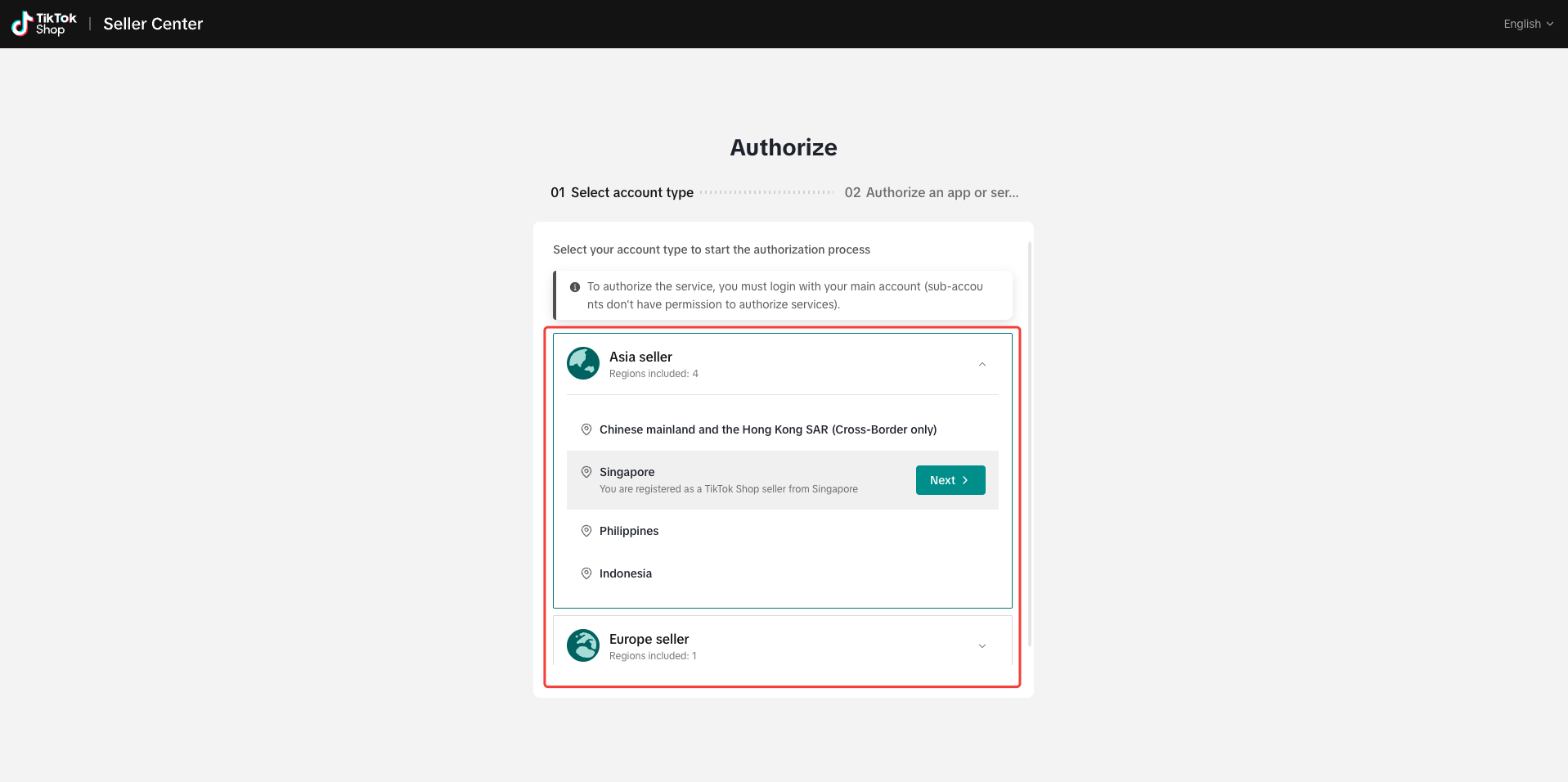
Choose the TikTok Shop sales region.
# ● Authorization
# ● Authorized application
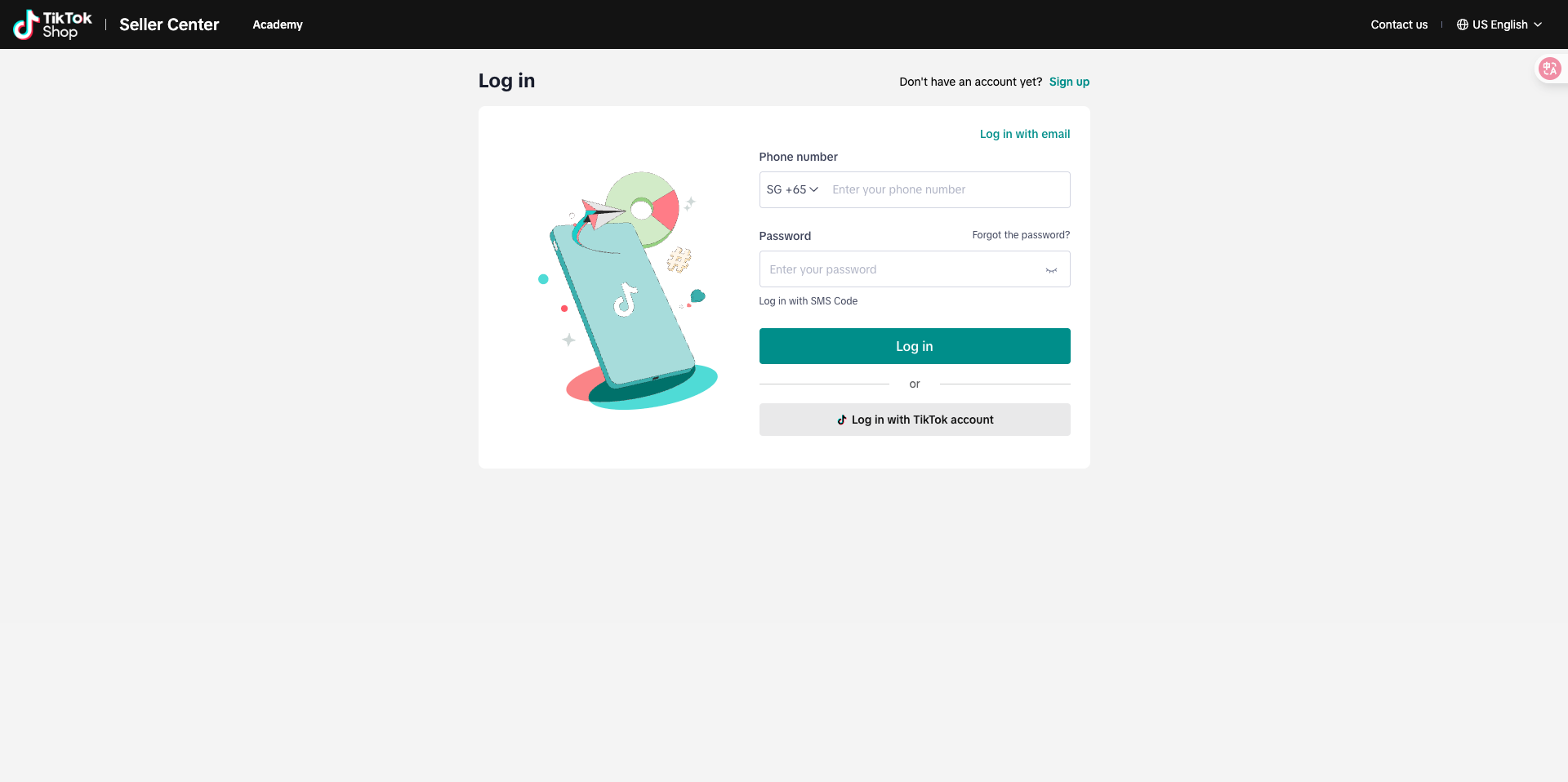
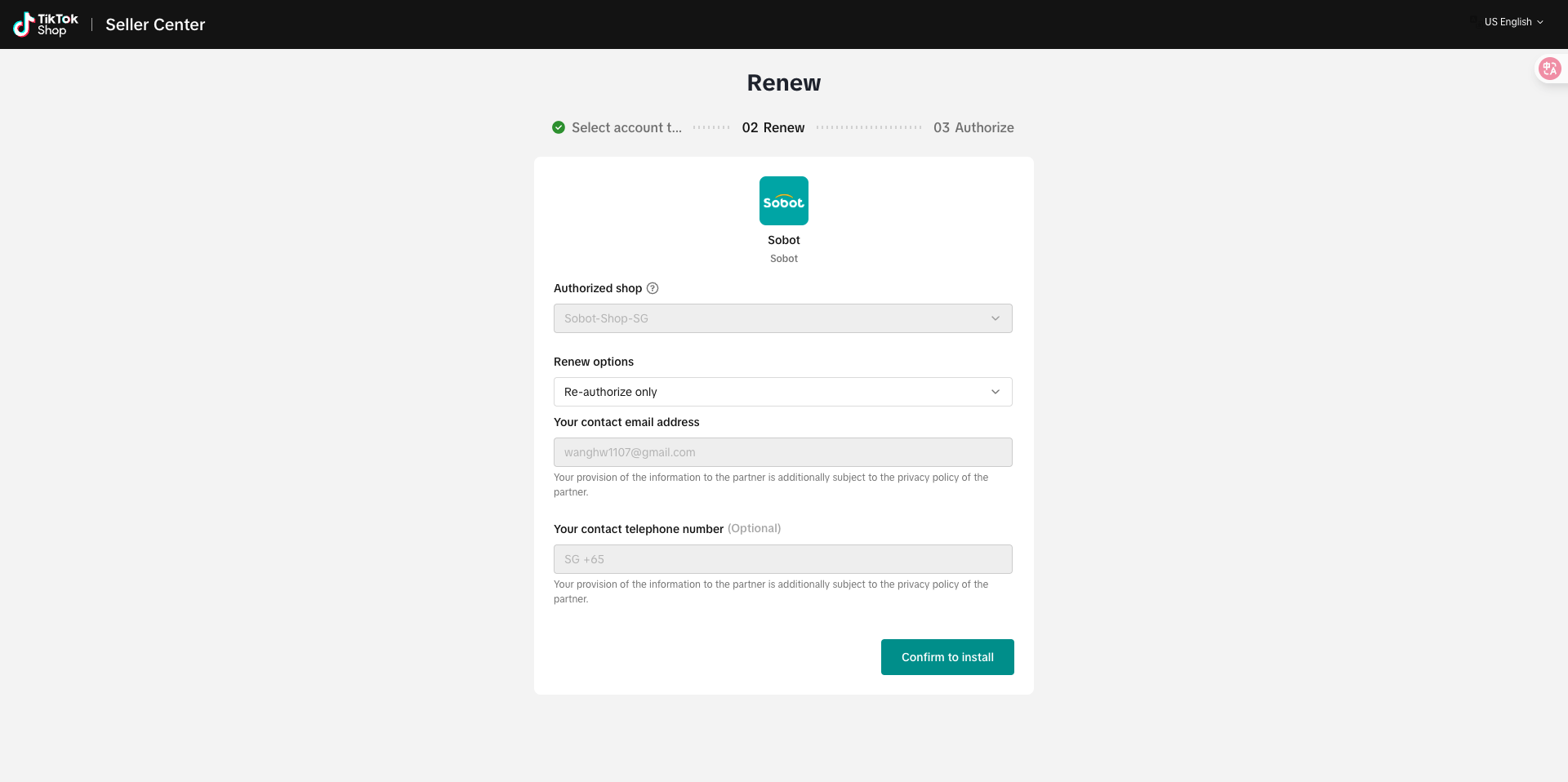
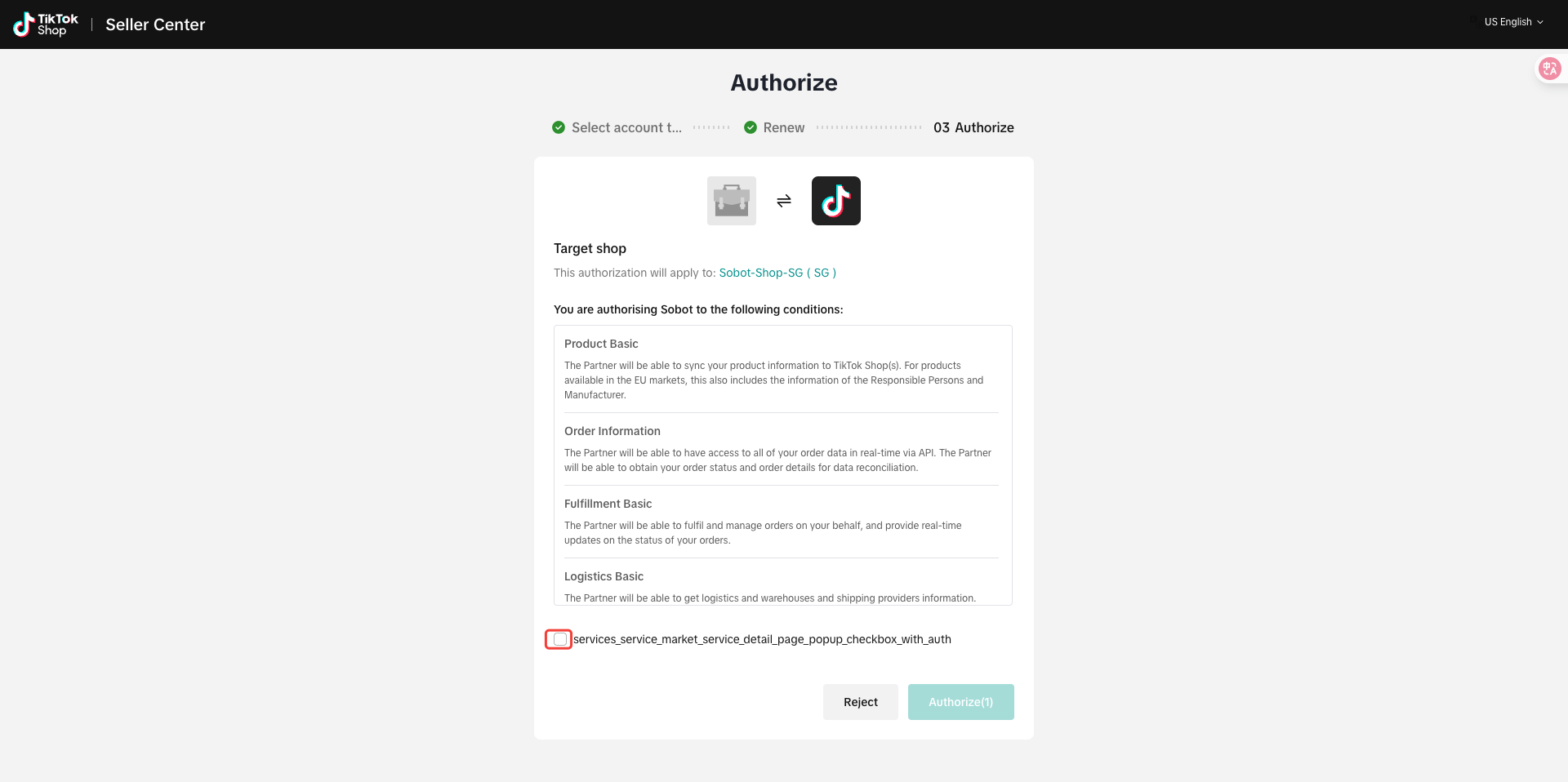
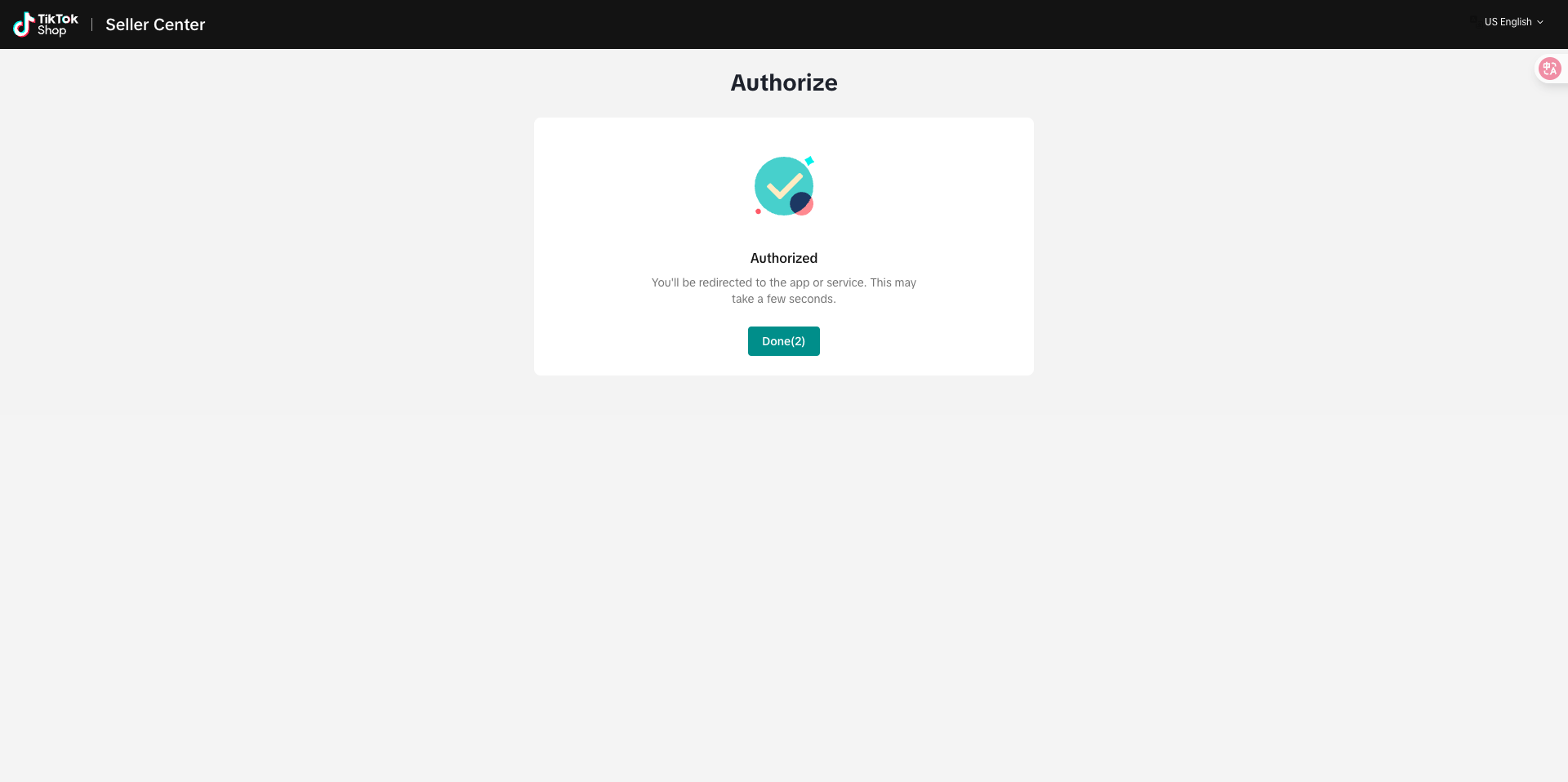
After selecting the region, log in to the corresponding store to complete authorization.
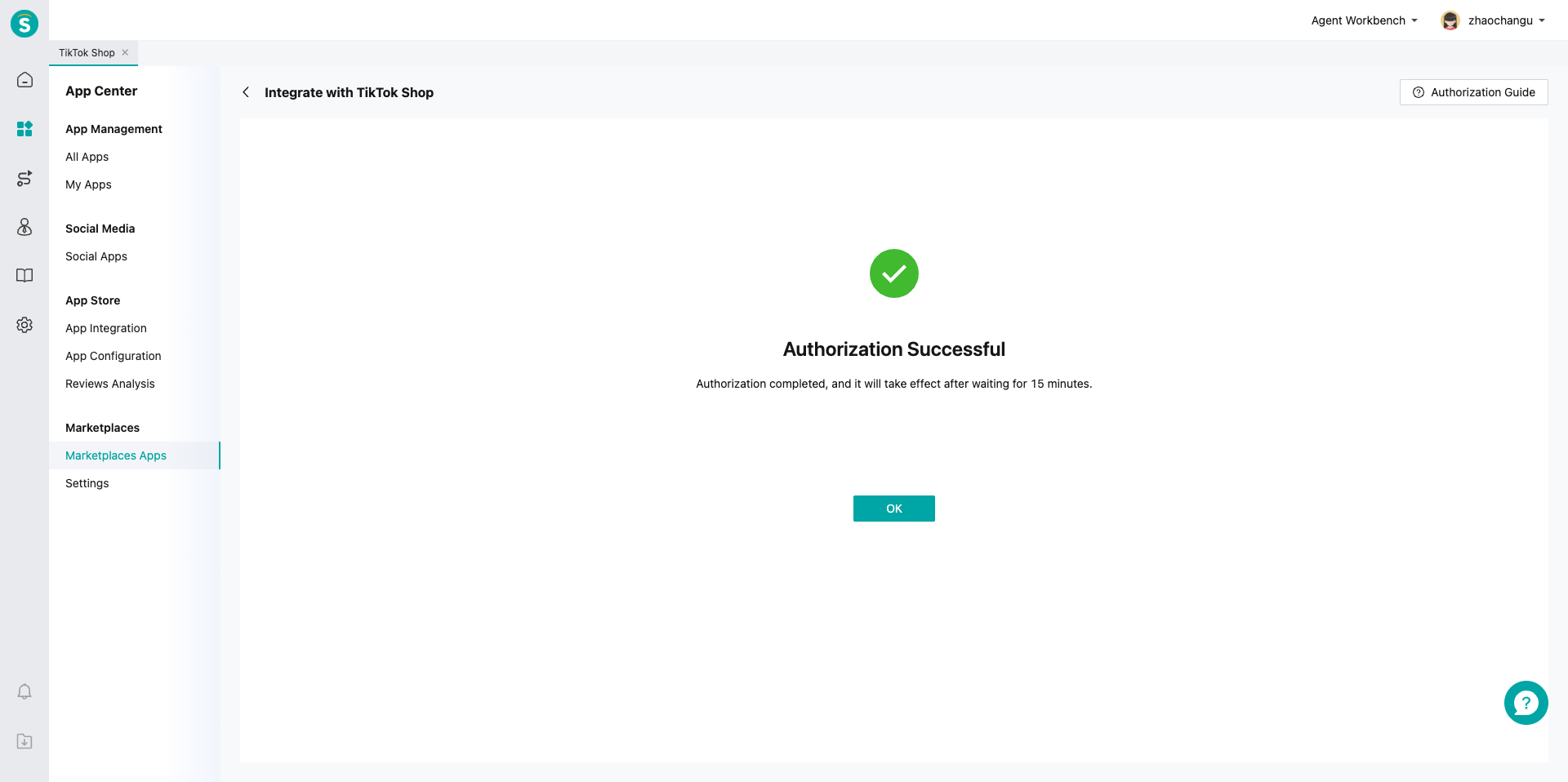
# ● Authorization Successful
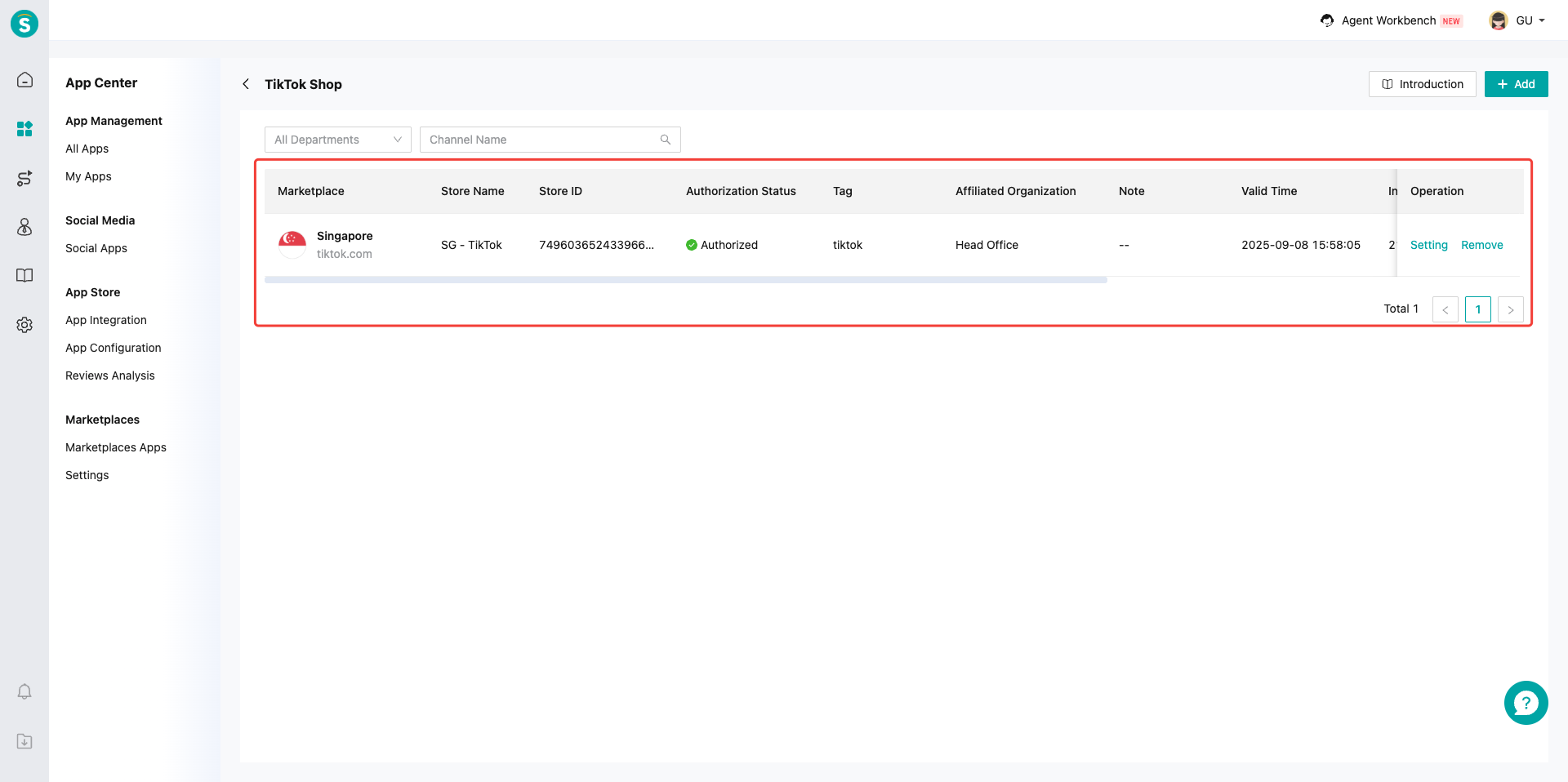
After completing the authorization, return to the Sobot system, and the TikTok Shop application list will display the authorized data.
# Channel Configuration
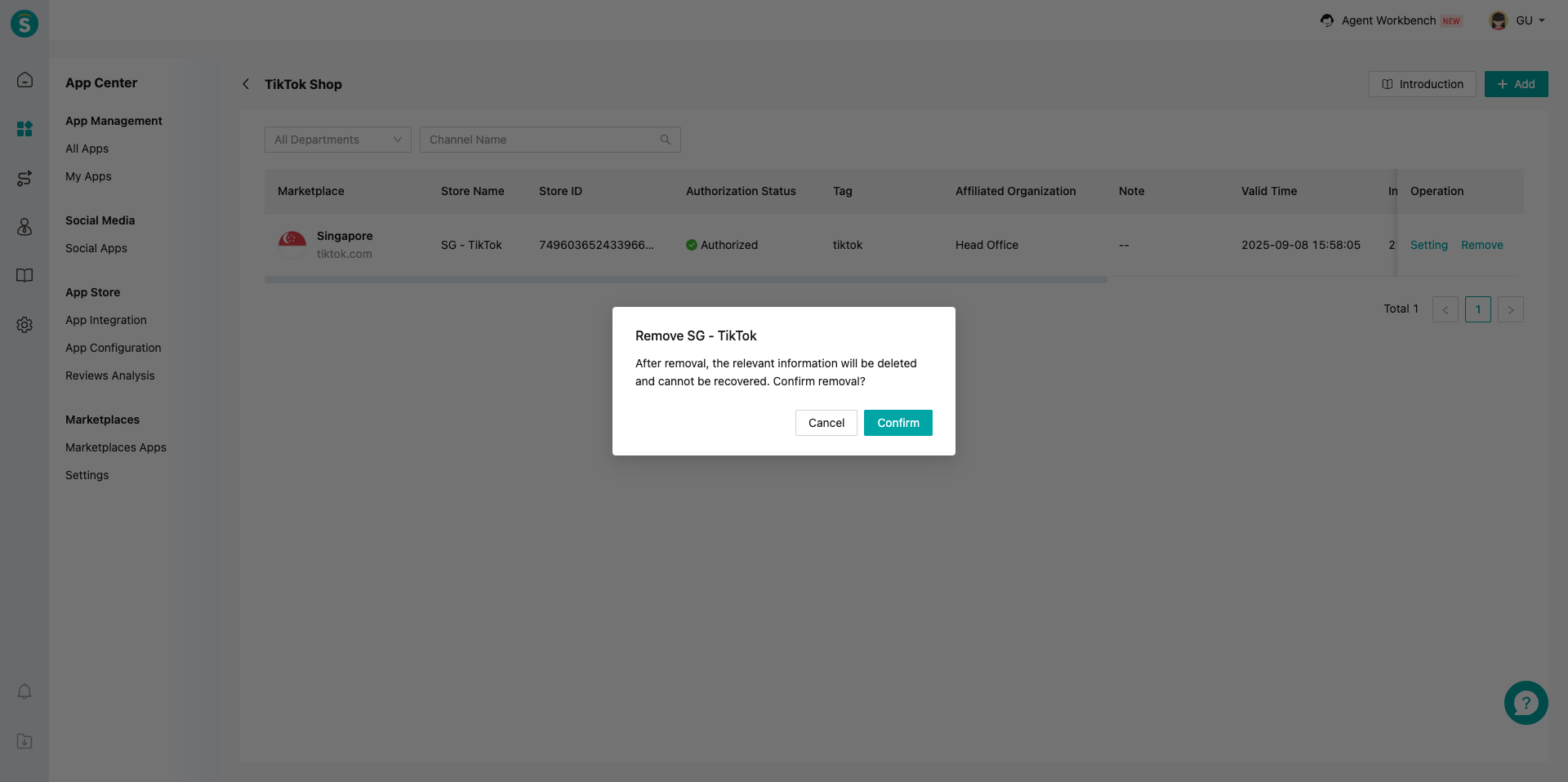
# ● Remove Site
Removal will deactivate configurations and stop new message reception.
# Adapting Online Sessions for TikTok Shop
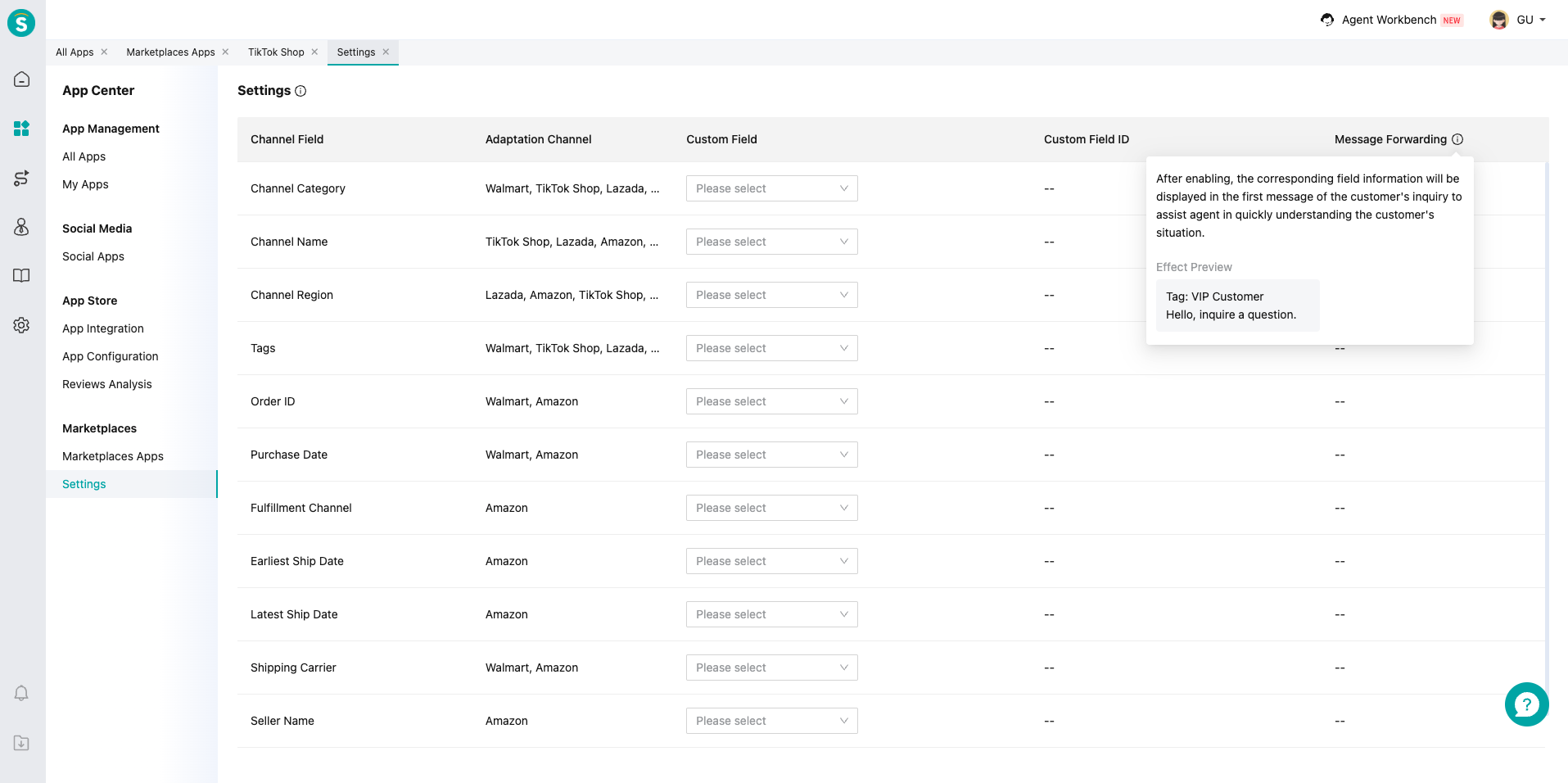
# ● Custom Fields
Map channel fields to Custom Fields in Channel Center\Custom Fields. This enables data synchronization for business rules, e.g., routing customers to appropriate skill groups based on channel info.
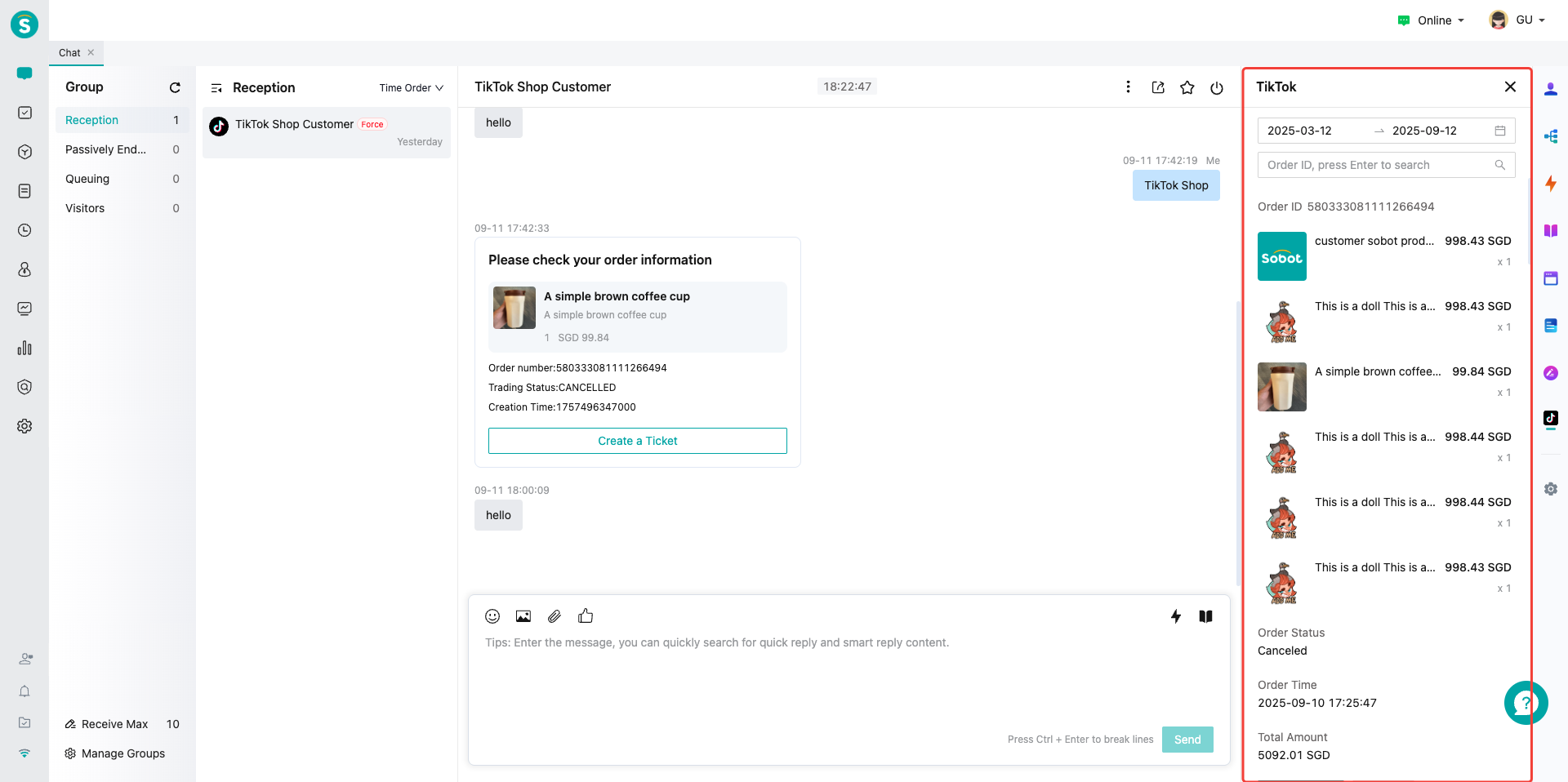
# ● Order Component
When opening a TikTo kShop - originated ticket in Agent Workbench, the sidebar automatically displays order details: total amount, items, etc.