API Management
# API Management
— This article mainly explains how to call internal and external APIs to retrieve data.
# Preparations
You need to obtain the corresponding API documentation from your R&D personnel, or have your technical personnel configure this feature.
# Configure external API
# ● Dynamic Token Acquisition
When you select the dynamic interface, you shall provide the interfaces for obtaining Token and refreshing Token in accordance with the following integration method.
1、Obtain Token Request Parameters:
| Parameter Name | Type | Description |
|---|---|---|
| app_key | String | APP Key |
| timestamp | Long | Timestamp |
| sign | String | Sign(Md5(app_key + timestamp + app_secret)) |
Request Example:
curl --location --request POST 'https://xxxxxxxxx/get_token'
--header 'Content-Type: application/json'
--data-raw '{
    "sign": "xxxxxxxx",
    "app_key": "xxxxxxxx",
    "timestamp": xxxxxxxxx
}'
2
3
4
5
6
7
Response:
{
  "code": "000000",
  "data": {
    "access_token": "xxxxxxxx",  // token
    "refresh_token": "xxxxxxxx"  // refresh token
  }
}
2
3
4
5
6
7
2、Refresh Token Request Parameters:
| Parameter Name | Type | Description |
|---|---|---|
| refresh_token | String | Refresh Token |
Request Example:
curl --location --request POST 'https://xxxxxxxxx/refresh_token'
--header 'Content-Type: application/json'
--data-raw '{
    "refresh_token": "xxxxxxxx"
}'
2
3
4
5
Response:
{
  "code": "000000",
  "data": {
    "access_token": "xxxxxxxx",  // token
    "refresh_token": "xxxxxxxx"  // refresh token
  }
}
2
3
4
5
6
7
- Special Notes
- Token Expiration Handling:Use the refresh token to obtain a new token within 10 minutes before the token expiration time.
- Token Uniqueness:Ensure the token obtained via the refresh token is newly generated and inconsistent with the old token.
# ● API Configuration
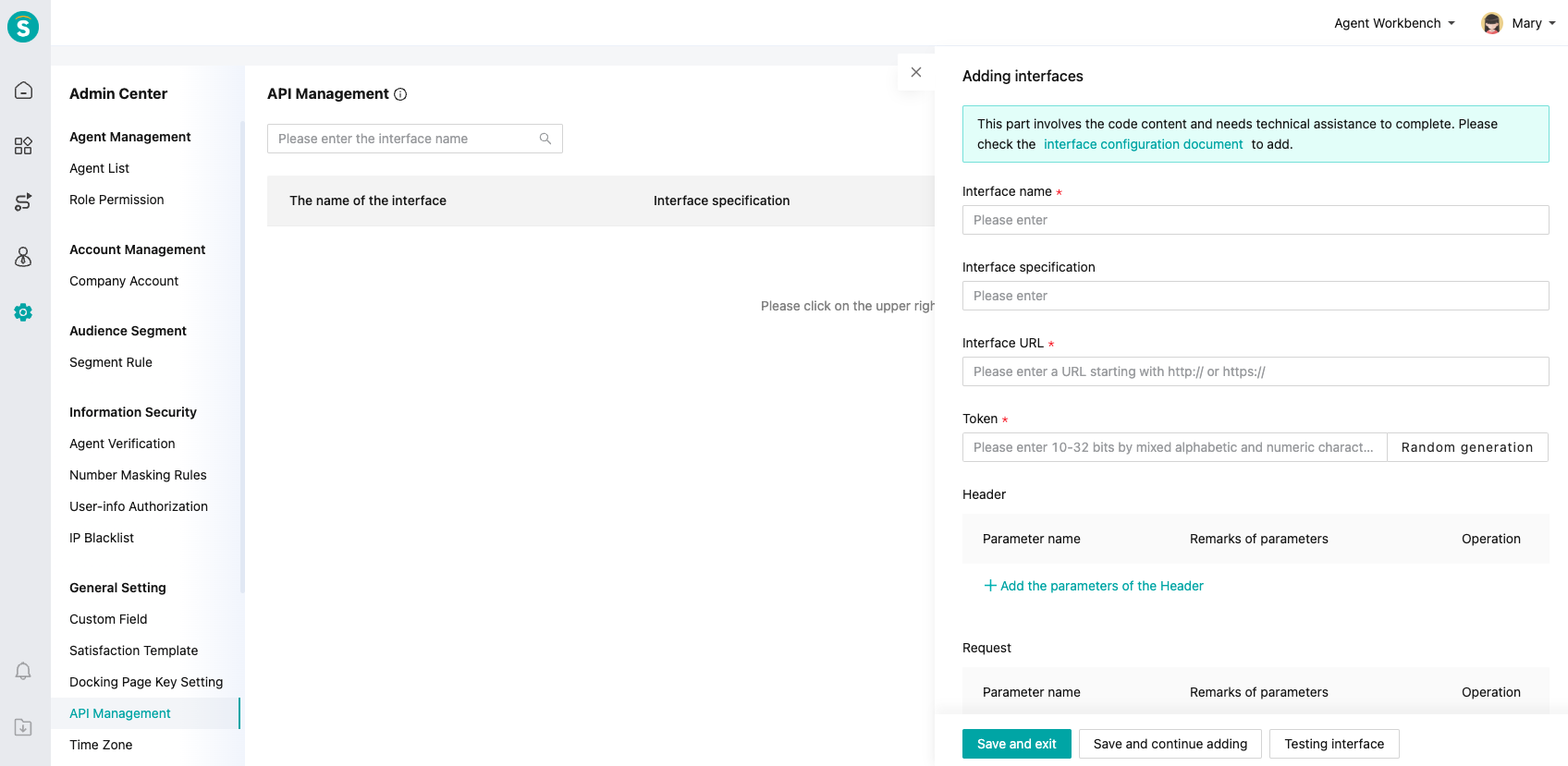
You can customize the Header param, request param, and output param.
# ● API Test
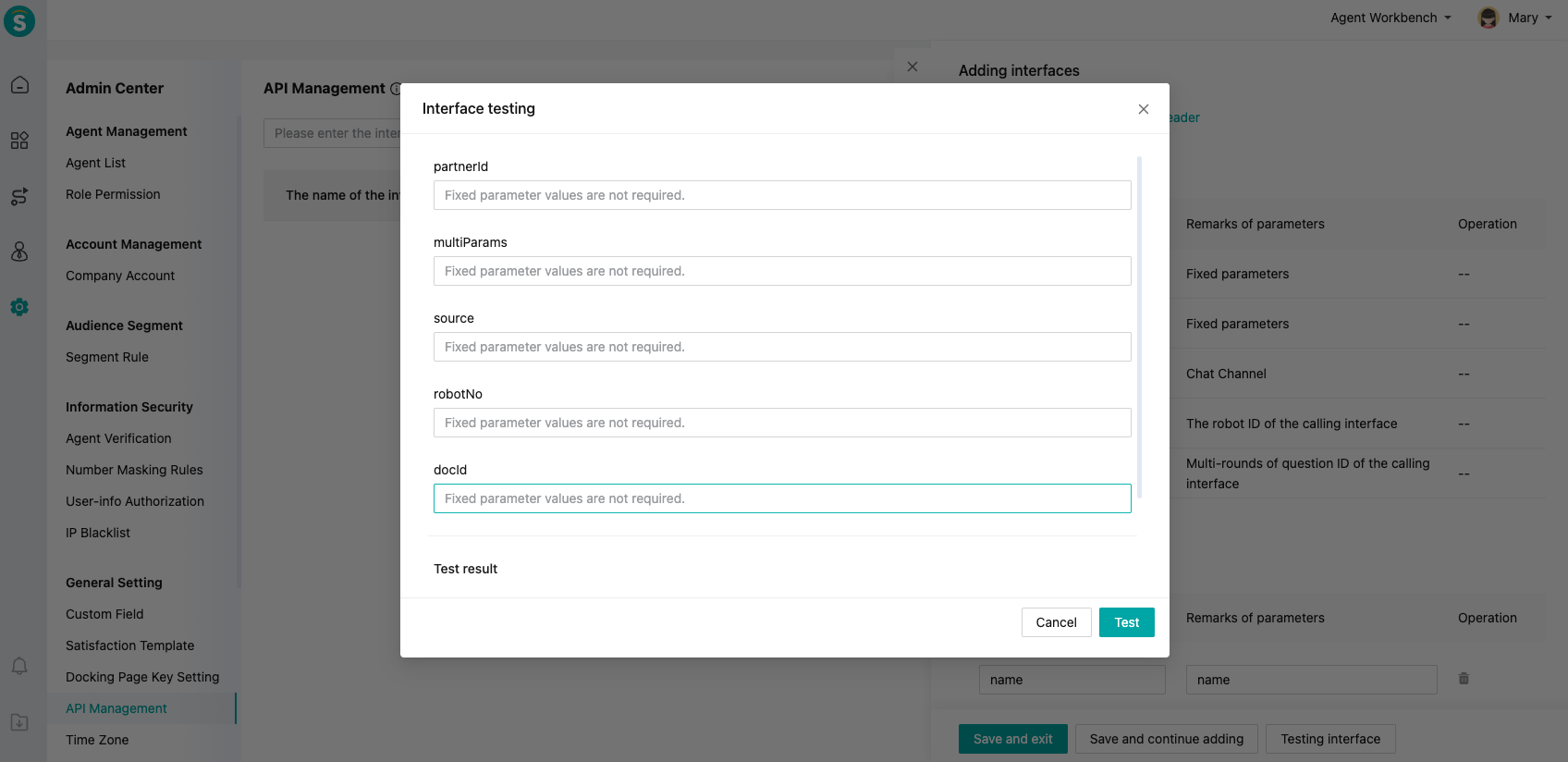
You can test if your API can be accessed.
# ● Application scenarios for external APIs
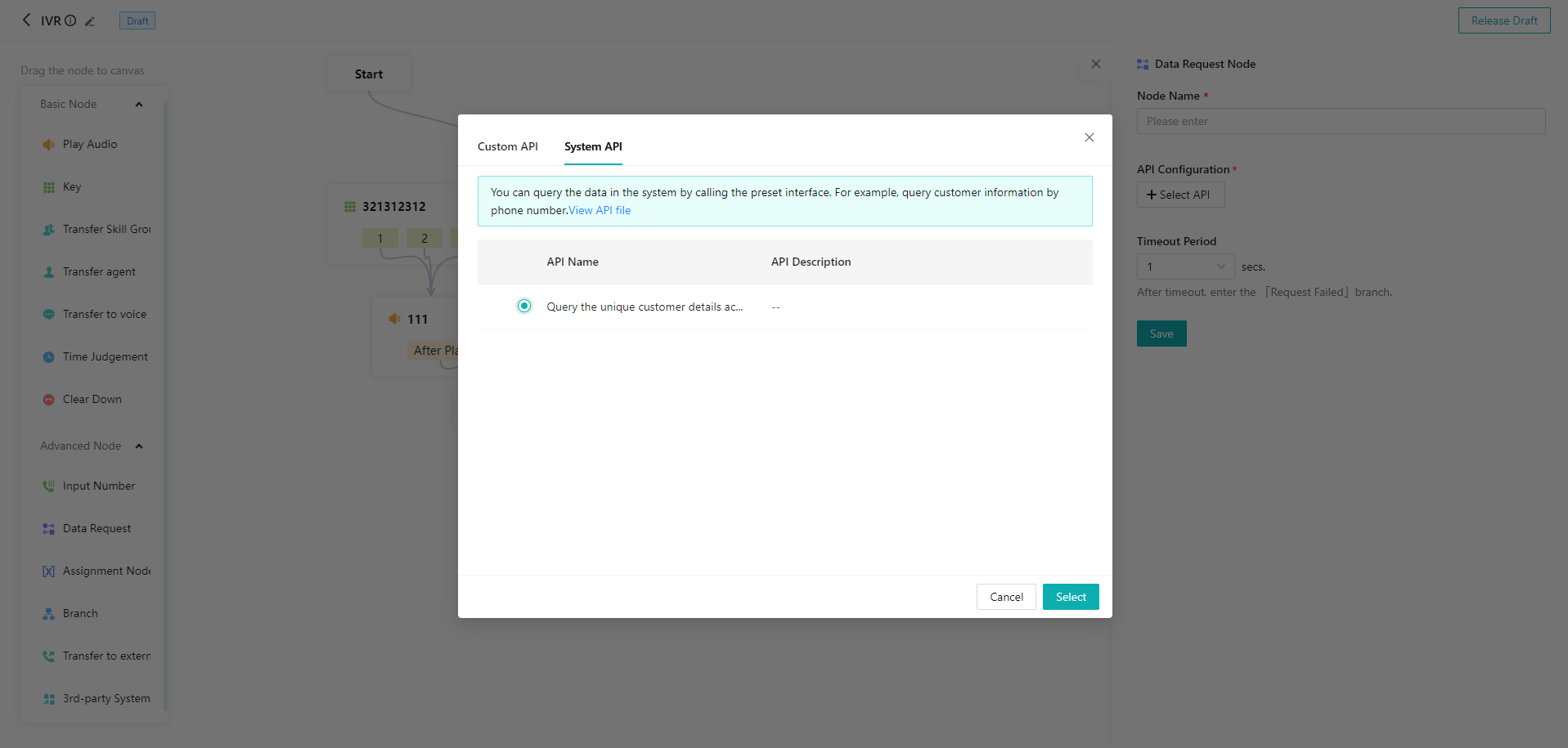
Currently, the API is used for data requests in "Call Center - Settings - Basic Settings - IVR Flow".
# Instructions for using internal APIs
To facilitate use, our system provides a query API to retrieve customer information within the system.
Request params: at least one, otherwise return null
| Param name | Type | Required or not | Note |
|---|---|---|---|
| id | String | No | Customer ID |
| tel | String | No | Mobile no. |
| String | No | ||
| thirdAccountId | String | No | (Third-party account ID (partnerId, wxUnionId, wxOpenId, wxExternalUserId, whatsappId, faceBookId, instagramId, lineId, telegramId, discordId)) |
Return param:
| Param name | Type | Required or not | Note |
|---|---|---|---|
| id | String | Yes | Customer ID |
| tel | String | No | Mobile no. |
| String | No | ||
| partner_id | String | No | Docking ID |
| wx_unionid | String | No | WeChat UnionID |
| wx_external_userid | String | No | External contact ID of WeCom |
| wx_openid | String | No | WeChat OpenID |
| faceBookid | String | No | |
| instagramid | String | No | |
| whatsappid | String | No | |
| lineid | String | No | Line |
| telegramid | String | No | Telegram |
| discordid | String | No | Discord |
| visitorids | String | No | Visitor ID |
| nick | String | Yes | Customer nickname |
| uname | String | No | Real name |
| sexName | String | Yes | Gender, Male, Female |
| countryName | String | No | Country name |
| provice_name | String | No | Province name |
| city_name | String | No | City name |
| remark | String | No | Note |
| userStatusName | String | Yes | Customer status, blacklist, normal |
| isVip | String | No | VIP or not 1. Yes; 2. No |
| vipLevel | String | No | VIP level (a fixed field, which can be defined by user through drop-down list) |
| vipLeveName | String | No | VIP name |
| isblack | String | Yes | Blacklisted or not 1: Yes, 0: No |
| enterprise_name | String | No | Enterprise name |
| sourceName | String | No | Channel name |
| liableServiceName | String | No | Agent name |
| userLabel | String | No | Tag ID, separated by commas |
| userLableName | String | No | "Tag group": "Tag 1", "Tag 2" |
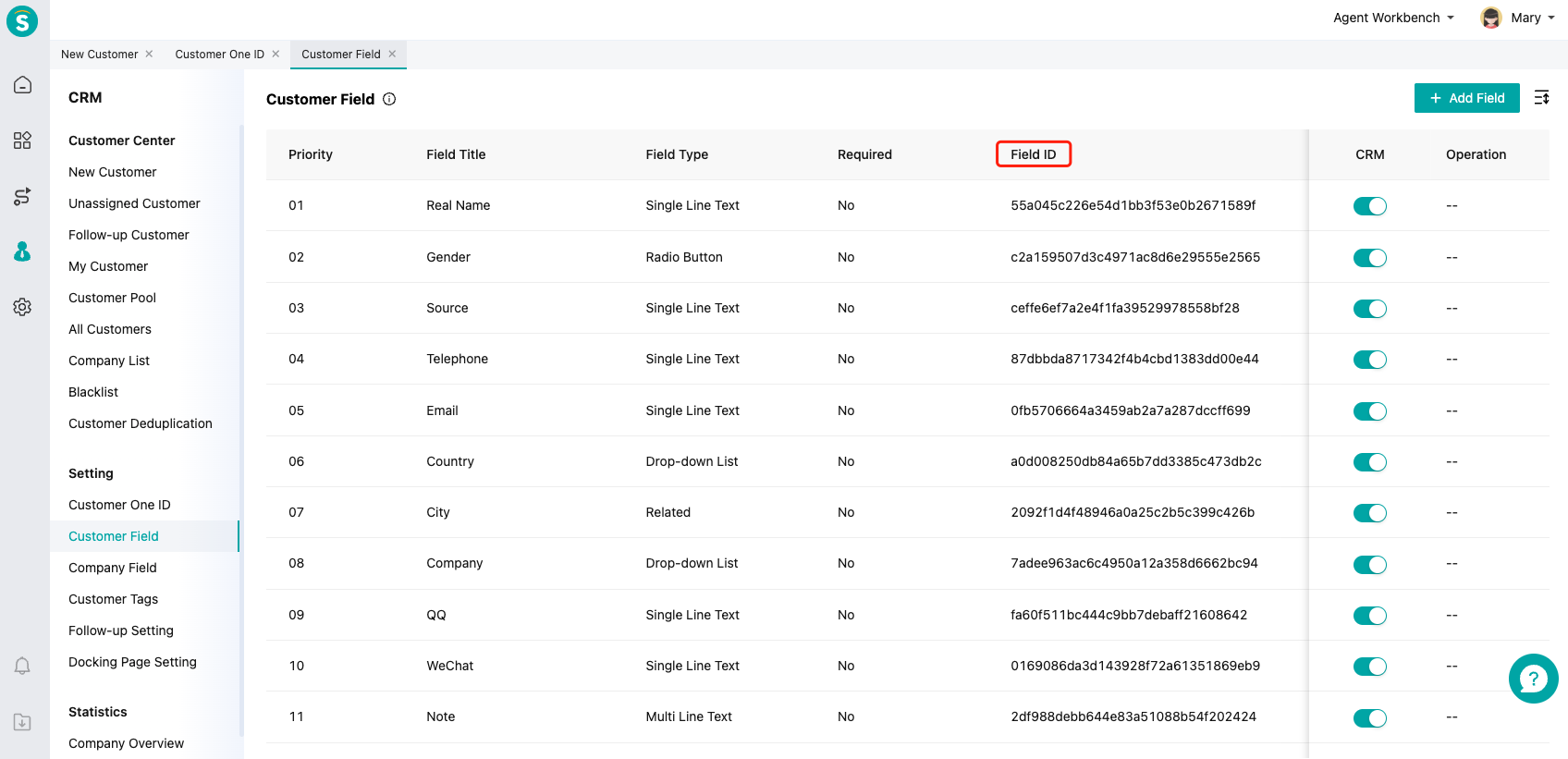
| Customer custom field 1 (ID) | String | No | Customer custom field 1 value |
| Customer custom field 2 (ID) | String | No | Customer custom field 2 value |
Customer custom field ID can be viewed at "CRM - Settings - Customer Fields"